
Why Your CRM's AI Bill Is Hard to Predict, and How AI Credits Work
AI credits explained for KL sales teams: what a credit buys, what HubSpot and others charge in ringgit, why the AI stops mid-month, and how to budget.
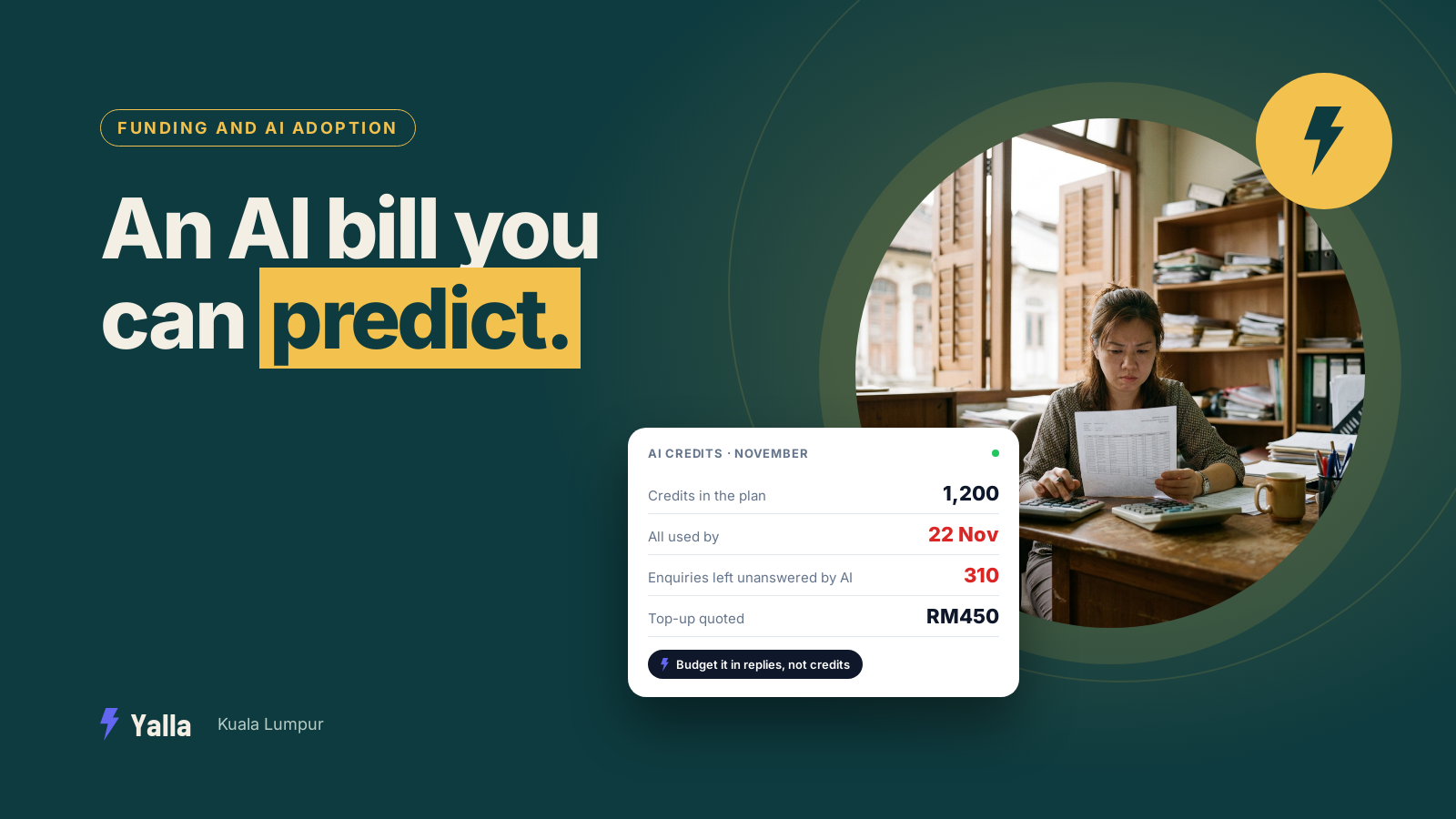
Almost every CRM sells an AI now, and almost every one of them meters it in credits. The pricing page says your plan "includes 1,200 credits a month", a footnote says a credit "covers about five replies", and there's a button to top up when you run low. Nobody translates that into ringgit for a real team handling real enquiries, which is why the bill surprises people in month two.
For a sales or admissions team in KL, the timing makes it worse. Volume isn't flat here. A Hari Raya promotion, a Chinese New Year campaign, a school intake or a year-end sale can push a whole quarter's enquiries into three weeks, in three languages. If your AI allowance runs out on the 22nd of that month, it runs out when you need it most.
This guide covers what AI credits are, what the big names charge, what happens when you hit zero, and how to work out a monthly number you can actually sign off on.
What an AI credit is
An AI credit is a unit of AI work. Each time the CRM's AI does something for you, it deducts credits from a monthly allowance: drafting or sending a reply, qualifying a lead, summarising a thread, enriching a contact, updating a pipeline stage, building a report. When the balance runs low you buy more, or the AI stops until the allowance resets.
The most important thing to know is that there's no industry standard for what a credit is worth. One vendor's credit covers a whole resolved conversation. Another's covers a single short reply. A cheap action like a quick auto-reply might cost a fraction of a credit, while an image, a bulk enrichment or a request to a premium model can cost many times more.
So "1,200 credits" means almost nothing on its own. The number that matters is credits per conversation, multiplied by how many conversations your team handles in a month.
Free download
The AI Credit Budget Worksheet: Your Monthly AI Bill in Ringgit
A practical companion to this article. Free for your email address.
Get it free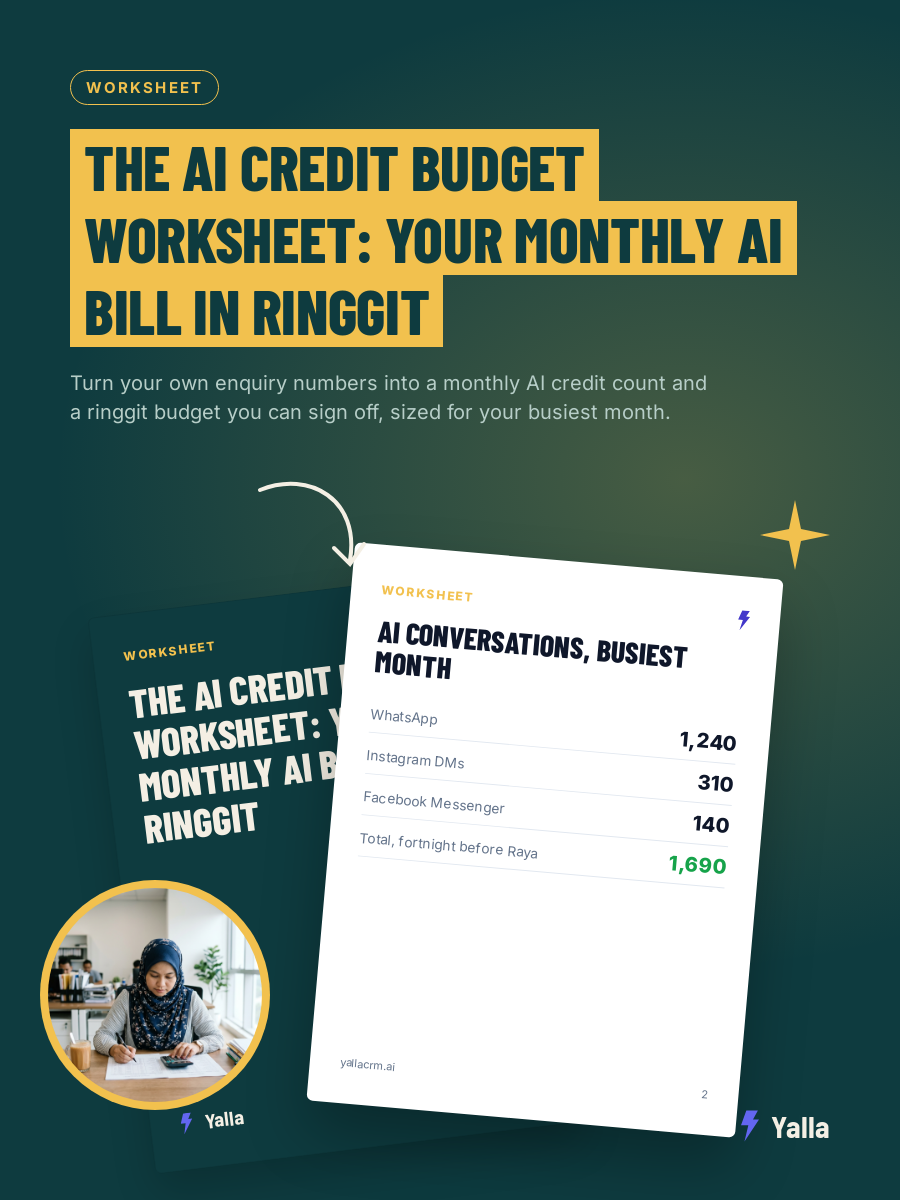
Why CRMs charge in credits instead of a flat fee
Because AI has a real cost every time it runs. Each time the software asks a language model to read a thread and write a reply, the vendor pays for that computing. A team of five might send the AI 500 conversations one month and 5,000 the next. A flat fee would either overcharge the light user or lose money on the heavy one, so most vendors pass the variable cost through as credits.
That's reasonable. The catch is that it moves the risk to you. With a flat seat price you know your bill on the first of the month. With credits, the bill depends on how much your team, and your customers, use the AI, which is the number that's hardest to predict before you've run it for a while.
The three pricing shapes you'll see
- Credits or tokens. You get a block of AI work each month and spend it down. Common on WhatsApp-first and automation CRMs.
- Per resolved conversation. You pay only when the AI fully resolves a conversation. Intercom's Fin made this model popular, at a list price in US dollars of roughly RM4 per resolution at current rates, with Zendesk at roughly RM6. That was the published position as of 2026, and both change their pricing often.
- A flat AI add-on. A fixed monthly fee on top of your seats for "AI features", often with a usage ceiling in the fine print.
None of these is dishonest on its own. The trap is comparing a seat price on one product with a per-conversation price on another as if they were the same number.
What the big names charge
Treat these as a snapshot, not a price list. Confirm the current rate on each vendor's own pricing page before you commit. All three set their prices in US dollars.
- HubSpot sells credits in packs of about 1,000 for roughly RM42 a month at current rates. Its agents spend credits only when they complete a task: public breakdowns put it at around 50 credits per support conversation its Customer Agent resolves and around 100 per lead its Prospecting Agent recommends. A one-off job such as categorising 5,000 companies with an AI property can use around 50,000 credits, which shows how quickly a "small" allowance goes.
- Attio splits its allowance into per-seat credits (used by enrichment and its Ask Attio assistant) and workspace credits (used by automations and bulk actions). The free tier includes roughly 100 AI credits per user plus 250 workspace credits a month. Heavy enrichment can use them up well before renewal.
- respond.io's AI Agent was using two to five credits per response as of September 2026, depending on the task.
Two patterns show up almost everywhere. Bulk jobs across your database, the exact work you buy AI to do, eat credits fastest. And monthly credits usually don't roll over, so whatever you don't use in a quiet month is gone.
How credits actually drain
Credits go in proportion to how much work the AI does, not how many people are on the plan. Five things move the meter:
- Reply volume. Every AI-written reply costs something. A customer who asks ten questions costs more than one who asks one.
- Conversation length. In a long thread the AI re-reads more context each turn, so later replies can cost more than early ones.
- Knowledge-base lookups. On some platforms, checking your price list or FAQ before answering is billed as its own step.
- Actions beyond the reply. Booking an appointment, tagging a lead, moving a deal or drafting a follow-up sequence are often billed separately.
- Model choice. A premium model uses more credits per request than a cheaper one. If your CRM lets you choose, that choice changes the bill directly.
What happens when you run out
One of two things, depending on the vendor. Either the AI pauses until the allowance resets, or you move to overage billing and keep paying per action. Most tools warn you as you get close to zero, and most let you buy a one-off top-up.
The detail that catches people out is timing. If the AI pauses on the 22nd, it stops answering enquiries for the last week of the month, and a busy team is the least likely to notice a lead going cold. A tool that quietly switches off its most useful feature at month-end can be worse than one that never had it, because you built your process around it.
The cost that never appears on the invoice
People use the AI less to protect the balance. Once a team learns that every action drains a shared pool, they start rationing. They stop letting it draft the follow-up. They skip the enrichment. They answer the after-hours message themselves the next morning rather than "waste a credit".
A generous-sounding allowance is worth little if nobody dares point the AI at the work that would pay for itself. The measure that matters is outcomes per credit: how much finished work one credit buys. An AI that drafts a reply you then have to copy, route and log by hand has spent a credit and left you the job. An AI that reads the thread, qualifies the lead, moves the deal and schedules the follow-up has spent the same credit and finished it.
Working out your real monthly number
Don't start from the plan price. Build it from your own volume.
1. Conversations per month. Pull last month's inbound conversations across every channel the AI will handle. Conversations, not messages.
2. Credits per conversation. Estimate how many AI replies and actions a typical conversation needs from first message to booked or closed. For a qualify-and-book flow, three to six is realistic.
3. Bulk jobs. Re-engaging an old list, enriching contacts, tagging the whole database. These are one-off spikes and usually the biggest.
4. Your peak month. Size for your busiest month, not your average one.
Here's an illustration. Picture a dental group with branches in Cheras and Puchong handling 1,000 inbound conversations a month, each needing about five AI replies plus a booking. On a platform that bills one credit per reply, that's over 5,000 credits of reply work before any bookings or reports. On one that bills five replies per credit, the same replies come to about 1,000 credits. Same work, same model underneath, and the bill differs several times over because of how the vendor counts.
Then add the lines that sit outside the AI:
| Cost line | What it is |
|---|---|
| Base subscription | Seats or platform fee |
| Included AI credits | What the plan bundles before top-ups |
| Top-up credits | Extra AI work once the bundle runs out |
| Meta's WhatsApp charges | Billed per message by Meta, separate from your CRM |
| Add-ons | Extra channels, integrations, premium support |
The Meta line matters more from 1 October 2026, when service messages, the free-form replies inside the 24-hour window, start being charged at Malaysia's utility rate. That means a long, meandering AI conversation now costs you twice: once in CRM credits and again in Meta charges. Check Meta's current Malaysian rate card before you budget.
Stopping the AI going quiet mid-month
Buying more credits is the obvious lever and the least useful one. The lever you control is how many credits each outcome takes.
- Keep the knowledge base tight. When the AI has the right answer on hand, in the languages your customers write in, it resolves in fewer turns and stops guessing.
- Set clear handover rules. An AI that passes a conversation to a person at the right moment stops burning credits on enquiries it was never going to close.
- Keep bulk jobs off your last week. Run the re-engagement campaign early in the cycle, so a spike can't black out live enquiry handling.
- Watch usage weekly in your peak season. A team that knows its average credits per conversation can forecast next month's bill.
When credit pricing is the right call
Credits aren't a scam, and for some teams they're the fairest way to pay. If your AI use is genuinely light, a small metered allowance can be far cheaper than a flat add-on you'd barely touch. If you run an email-led, records-first operation where the AI mostly summarises and enriches rather than holding live conversations, a tool with predictable seat credits, like Attio, may suit you better than anything chat-native, Yalla included. And if you need enterprise-grade control over exactly what the AI may spend and do, Salesforce is built for that.
How Yalla handles credits
Yalla uses a monthly AI credit allowance like most of the category, so we're not going to pretend the meter doesn't exist. AI agent replies are billed in blocks: one credit covers five replies. The same pool also pays for Yalla Brain's other work, and heavier jobs such as generating a video cost far more credits than a reply, so it's worth knowing which jobs your team will run.
Yalla Brain acts across pipelines, WhatsApp, Instagram, Facebook, email campaigns and reporting from one instruction. That's where the outcomes-per-credit point becomes practical: one credit-spending action can move a real deal forward, instead of producing a paragraph somebody still has to route, log and chase.
Frequently asked questions
Do AI credits roll over to the next month?
Usually not. At most vendors the monthly allowance resets each cycle and unused credits are lost. Top-up credits bought separately more often do carry over, and are drawn only after the monthly allowance is spent. This varies, so get the answer in writing.
Are AI credits the same as WhatsApp message charges?
No, and this trips up a lot of teams. AI credits pay your CRM vendor for the AI's work. WhatsApp charges are billed by Meta for delivering messages over the WhatsApp Business Platform. You pay both, to two different companies, so a realistic budget has two variable lines.
What uses the most AI credits?
Bulk operations: enriching thousands of contacts, re-engagement campaigns to an old list, tagging the whole database. These are nearly always bigger than day-to-day replies. Premium-model requests and image or video generation also cost more per action than plain text.
Why did my AI stop replying before the end of the month?
Your allowance ran out. The AI spends credits on every reply and action, and once the monthly pool is empty it pauses until you top up or the next cycle begins. Forecast from your real conversation volume, sized for your busiest month.
Free download
The AI Credit Budget Worksheet: Your Monthly AI Bill in Ringgit
A practical companion to this article. Free for your email address.
Get it freeYalla is the chat-native CRM where the AI does the work, not just the talking.
See how much of your business it can reach.