
Keep the Number Your Customers Already Have When Your Sales Team Moves to a CRM
Your KL customers know your number. How to move your team onto a CRM without changing it, and the order of steps that stops you losing years of chat history.
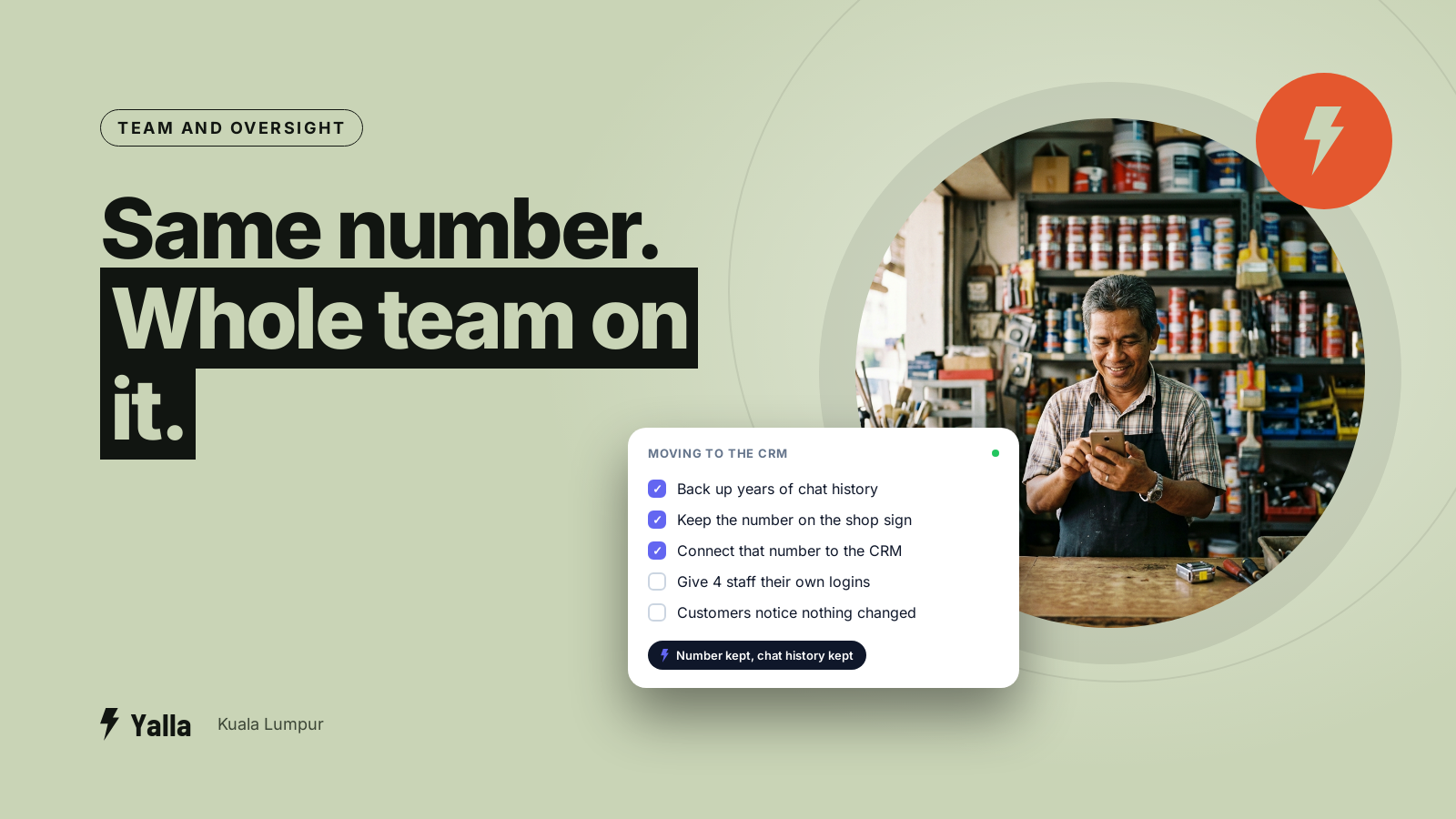
The number your customers have saved is an asset. It's painted on the shop sign in SS2, printed on your invoices, sitting on your Google listing and on three years of business cards handed out at BNI breakfasts across Petaling Jaya. So the question that comes up most on setup calls with KL businesses isn't about features or price. It's this: "If I connect this to a CRM, do I lose my number?"
You don't. You keep the number your customers already know. But the way you connect it decides whether the move is clean or whether you wipe years of chat history on the way through. That's the part most tools skate over, and the part that quietly goes wrong.
You keep the number
You don't need a new number, and you shouldn't want one. The number customers have saved is most of the reason to put a CRM behind WhatsApp in the first place, so keeping it is the default.
What changes is the layer the number runs on. A CRM connects to WhatsApp through the WhatsApp Business Platform, which most people call the API or the Cloud API. The number stops being tied to one phone and becomes a business channel a whole team, and an AI agent, can work from at the same time. Customers see no difference. Behind it, instead of one person on one handset, you have a shared inbox, assignment rules and a record of every conversation.
The confusion comes from an old rule that used to be true: a WhatsApp number could only live in one place at a time.
Free download
The Number Migration Checklist: Move Your Sales Line to a CRM Without Losing History
A practical companion to this article. Free for your email address.
Get it free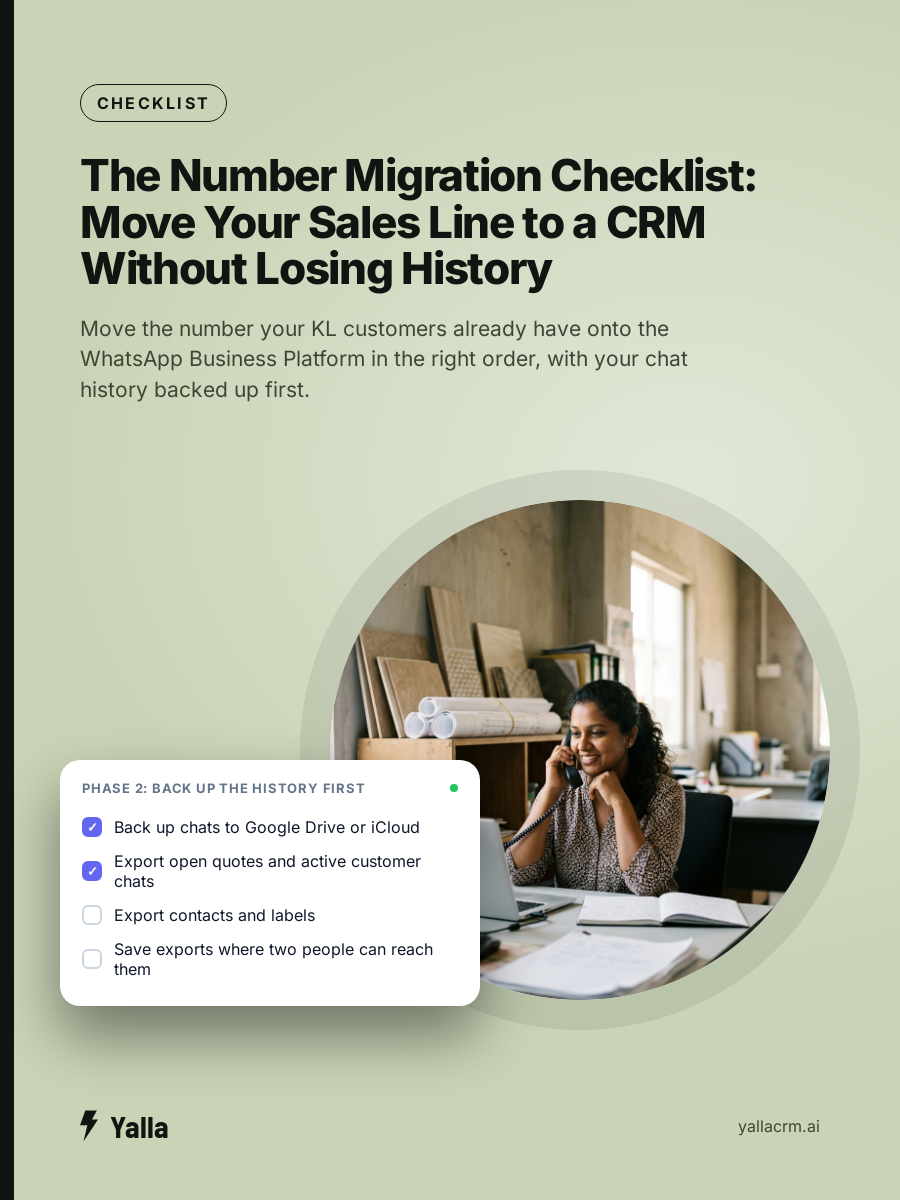
Does the app on the phone stop working?
This used to be the hard part, and it's where most of the anxiety comes from. For years a number couldn't run on the WhatsApp Business app and the API at once. To move an existing number onto the API you had to delete the account from the app first, and the number had to be inactive on the phone during onboarding. Get the order wrong and you were stuck.
In 2025 Meta introduced a feature called coexistence. It lets the same number run on the WhatsApp Business app and the API together, with new messages syncing across both. In practice your staff can keep answering from the phone the way they always have while the CRM works the same number alongside. For a nervous team it's the safe path: you try the CRM without cutting off the handset everyone trusts.
Not every setup uses coexistence, and providers don't all support it the same way. If you go the classic route and move the number fully onto the API, the app on that phone stops being the live WhatsApp for that number. That's expected. You haven't lost access. The conversations have moved to the CRM inbox.
Either path is fine. What goes wrong is starting without knowing which one you're on, and finding out halfway through.
Will I lose my chat history?
This is the one that hurts if you get it wrong, so it's worth reading twice.
If you delete your WhatsApp Business app account and then register that number on the Cloud API, your existing message history doesn't come with it. The API is a fresh channel and it starts empty. Picture the owner of a renovation company in Cheras who deletes the app account on a Friday evening to "get it done", then realises on Monday that three years of quotes, site photos and customer promises were only ever on that phone. There's no undo.
Two things protect you:
- Back up before you touch anything. Back up or export your chat history from the WhatsApp Business app first, every time. Do it even if you're using coexistence and expect to lose nothing.
- Move contacts and conversations on purpose. Getting history into a CRM is a separate, planned step. Some tools can import contacts, tags and conversations so your team opens day one with context instead of a blank inbox. Insist on it. Starting cold means salespeople re-ask questions the customer already answered, which is exactly the impression you're trying to avoid.
The number surviving the move is easy. The history surviving it takes intent.
Landlines and virtual numbers
Plenty of KL businesses publish a 03 landline rather than a mobile, and some run on virtual numbers from a VoIP provider. Both can work, with caveats. As of August 2026:
- Landlines can work. WhatsApp verifies them by voice call: Meta rings the number and reads out a code instead of sending an SMS. The landline must not sit behind an extension. A direct line verifies; an extension behind a phone menu doesn't.
- Virtual and VoIP numbers can work, with more friction. Meta accepts some virtual numbers, but they attract extra checks and fail more often when the routing blocks the verification call or text. On setup calls this is the most common place people get stuck.
The rule underneath all of it: don't build a customer channel on a number you can't keep. If a provider can reclaim or reroute the number, your WhatsApp identity, your approved templates and your customers' trust go with it. Pick the number you mean to own for years, then connect that one.
The safe order of operations
Strip away the tool-specific screens and every clean migration follows the same order:
- Decide the number you'll keep for good. A direct line or a mobile you control, not a temporary or borrowed one.
- Back up the existing chat history from the WhatsApp Business app before any account is deleted or moved.
- Confirm your path: coexistence or full migration. A five-minute conversation with your provider that prevents the biggest mistakes.
- Verify the number on the Business Platform by SMS or voice, and make sure nothing in your phone routing blocks the code.
- Import contacts and conversations into the CRM as a deliberate step, so the team starts with context.
- Test with a real message from a personal phone before you point your ads, shopfront and email signature at the new setup.
Most of what goes wrong is a step done out of order, rarely a step done badly.
Why it matters more than it looks
It's tempting to treat connecting the number as a one-off IT job. The number is the front door to every conversation your business has, and a phone in one person's hand can't be read or acted on by anything else. If that person is on leave during a busy week, or resigns, the conversations go quiet with them.
Once the number runs through the platform, the question stops being "who has the phone" and becomes "what can act on these conversations". A shared inbox is the floor. The ceiling is an AI that reads an enquiry in Malay, English or Chinese, answers it straight away, qualifies it, drops it into the right pipeline stage and follows up three days later if the customer goes quiet, all on the number your customers already trust.
Yalla is a chat-native CRM whose AI does that work inside the conversation. Yalla Brain acts across pipelines, WhatsApp, Instagram, Facebook, email campaigns and reporting from one instruction. The unglamorous foundation under all of it is getting your existing number connected cleanly, with your history intact, on a line you'll keep.
When a WhatsApp CRM isn't the answer
If your sales run on email and long documents rather than chat, a record-first CRM built around email threads will serve you better than anything WhatsApp-native. If you need a heavily custom data model with bespoke objects, a tool like Attio is designed for that. And if the buying decision is dominated by enterprise compliance and procurement sign-off, Salesforce exists for that weight. A WhatsApp CRM earns its place when a team is fielding real inbound chat volume and losing enquiries in the gaps. If that isn't your shape, leave your number where it is.
FAQ
Do I need to tell my customers the number is changing?
No, because it isn't changing. Customers message the same contact and get faster, more consistent replies. If a tool asks you to adopt a brand new number, ask why.
Can my team and an AI use the number at the same time?
Yes. On the WhatsApp Business Platform the number isn't tied to a single handset. Several people can work from one shared inbox, and an AI agent can answer the moment a message lands.
How long does connecting an existing number take?
The technical connection is usually same-day once verification succeeds. What takes longer is doing it in the right order: backing up history, confirming the path and importing contacts. Rushing the sequence is what turns a same-day job into lost history.
What happens to my WhatsApp groups and personal chats?
Business Platform numbers are for one-to-one and template-based business messaging, not personal group chats. If your number mixes personal and business use, separate them first. Keep family groups on a personal number and move only the business line onto the CRM.
Free download
The Number Migration Checklist: Move Your Sales Line to a CRM Without Losing History
A practical companion to this article. Free for your email address.
Get it freeYalla is the chat-native CRM where the AI does the work, not just the talking.
See how much of your business it can reach.