
Slow Quotes Lose Jobs: How to Get an Accurate Price Out the Same Day
How KL sales teams get accurate quotes out the same day: capture the spec in the chat, keep prices shared, and send and log every version in one place.
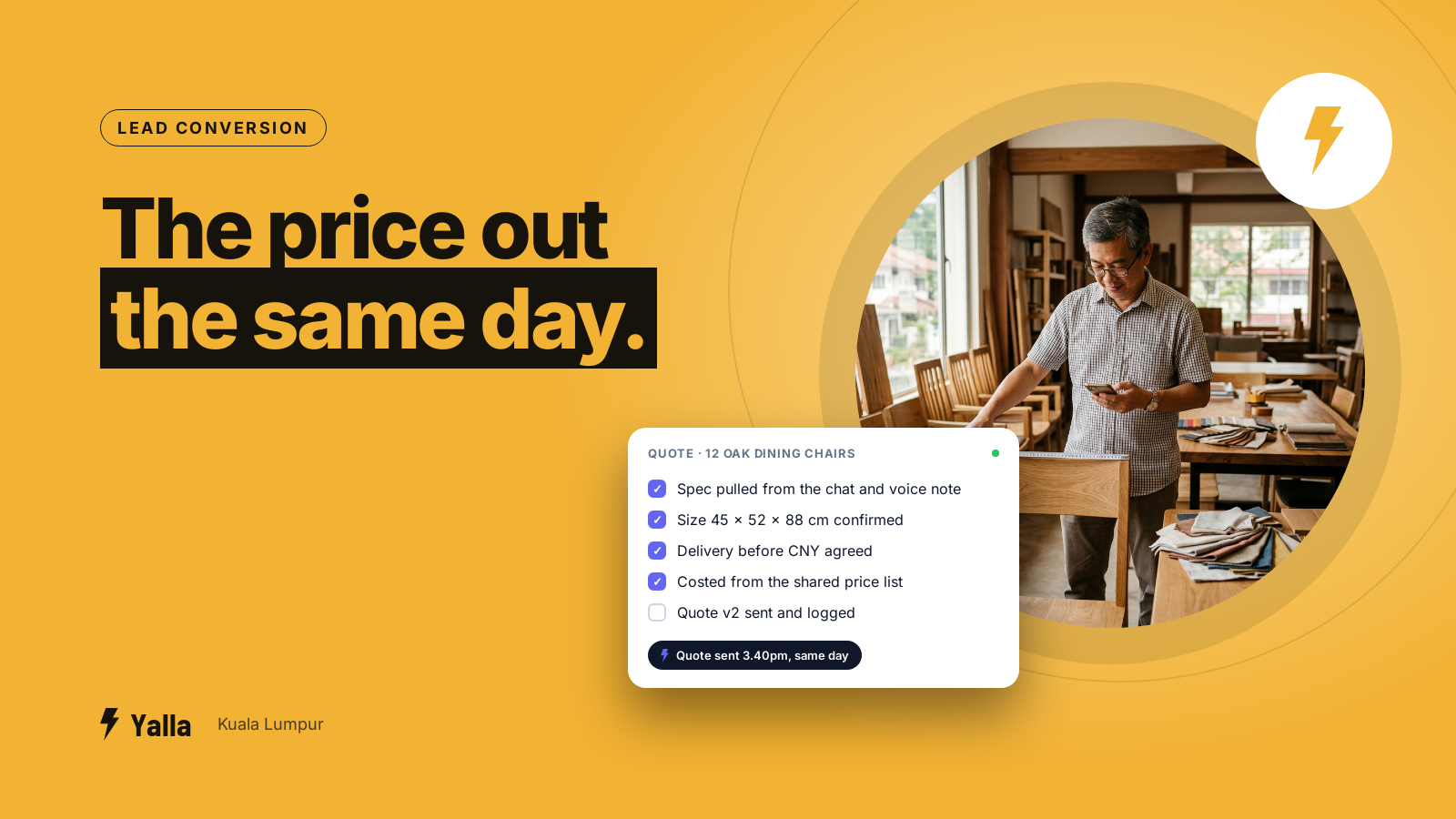
A client in Bangsar wants a price for twelve dining chairs in oak, delivered before Chinese New Year. The message comes in at 3pm. The price goes out at 11 the next morning, because the person who knows the costing was on a site visit in Shah Alam, the spec was spread across six messages and a voice note, and the costing sheet lives on one laptop.
By then the client has two other numbers.
Slow quoting is rarely about effort. The time goes in the gap between where the conversation happens, which is WhatsApp, and where the price gets worked out, which is a spreadsheet, a supplier's reply or someone's head. This article is about closing that gap so a KL sales team can get an accurate quote out the same day, and change it quickly when the client changes their mind. What to do once the quote is sent and the client goes quiet is a separate problem, and we've covered it in its own article.
Where the time actually goes
Walk through a typical custom quote at a Klang Valley SME:
- The enquiry lands on the shared WhatsApp number, maybe in English, maybe in Malay or Chinese.
- Someone scrolls up to find the spec. The dimensions are in one message, a reference photo in another, and "must be before CNY" is in a voice note.
- They open the costing sheet, find the right tab and key the numbers in.
- A supplier price might be out of date, so they WhatsApp the supplier and wait.
- The discount needs the boss's okay, and the boss is at a BNI breakfast in Petaling Jaya.
- Someone screenshots the total and pastes it into the chat, or retypes it.
Each step is a place the quote can sit for hours, and very few of them involve real thinking. Most of it is copying information from one place to another.
Free download
How to Take a Custom Order on WhatsApp Without Losing the Spec in the Chat
A practical companion to this article. Free for your email address.
Get it free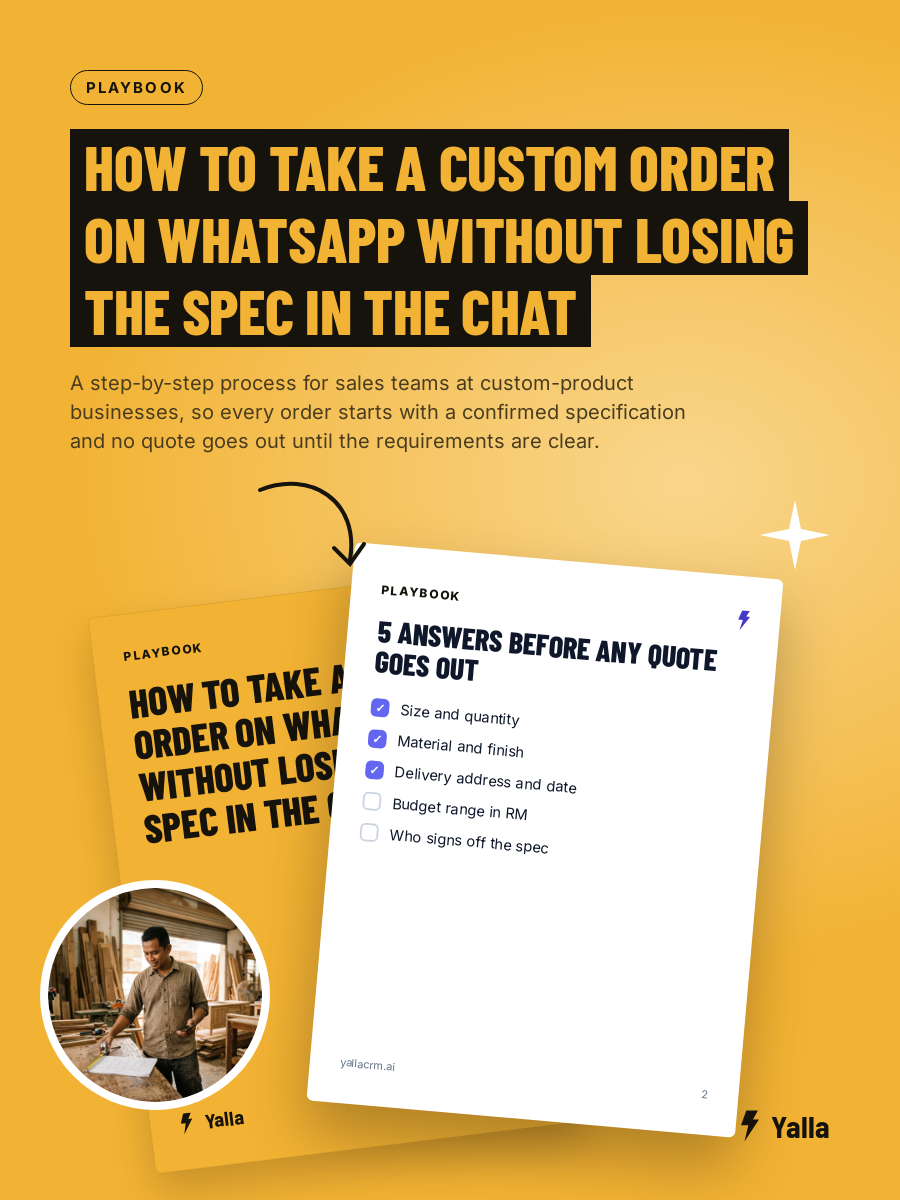
One job, several versions of the same quote
Custom work multiplies all of this. A bespoke furniture maker we met at a BNI one-to-one, who builds for hotels, put it like this:
"Imagine sometimes with the same project, we might have two or three different contractor requesting for quotation and some they will request for different scope. Some they only tender for the hotel lobby and some they tender for the restaurant, some they tender for the guest room. All this is information to manage."
One hotel, three contractors, three scopes, and three quotes whose unit prices have to agree with each other. His team costs all of it in spreadsheets, which work well enough for a single job. The trouble is what happens over a year of jobs: in his words, "you have 10, 20 files, then it's all not traceable."
Picture the same thing at a renovation contractor in Cheras. The lobby quote is in one file, the revised lobby quote in another, and the restaurant quote was built from a copy of the first one before the supplier raised the price of marble. Nobody did anything wrong, and the numbers still don't agree.
That's also a useful warning for anyone about to buy software. If the new tool makes quoting slower than the spreadsheet, your team will drift back to the spreadsheet, and they'll be right to.
Three things that make quoting fast
The aim is for the quote to come out of the conversation instead of being rebuilt after it.
Capture the spec while you're still chatting. Quantity, material, finish, site, deadline, and budget if they'll tell you. Record it against the contact as proper details, not scattered through the thread. When the client stops typing, the inputs already exist. An AI agent can ask the routine questions for you, in whatever language the client wrote in, and pass the conversation to a person once the requirement is clear.
Keep prices where the whole team can see them. A shared price list with current supplier costs and your standard margins, owned by one named person and kept up to date. For standard items, that's what lets anyone on the team answer "how much for 20 units?" in minutes rather than waiting for the one person who knows.
Send the quote into the same thread and log it on the same deal. The client gets it where they asked for it, and your team can see what was offered, when and by whom. When three contractors are pricing one hotel job, give each its own deal linked to the same project, so the unit prices can be checked against each other before anything goes out.
Revisions without confusion
A fast first quote is only half of it. The other half is changes: ten units instead of twelve, a cheaper fabric, delivery a week earlier.
Here's the rule we'd suggest. Never let two versions of a quote exist without one clearly marked as live. Put the new version on the same deal, note what changed and who approved it, and send the client a clean updated number instead of a second PDF that contradicts the first. If your process depends on someone remembering which file is "Quote_final_v3_REAL.xlsx", sooner or later the wrong price goes out, and on custom work that comes straight out of your margin.
A same-day quoting setup for a team of three or more
- One shared inbox for the business number, so an enquiry isn't stuck on the phone of whoever's on leave this week.
- Automatic assignment of each new enquiry to an owner, by product line, area or language. No more "who's taking this one?" in the staff group chat.
- A spec checklist for your product: the five or six things you always need, asked at the start.
- A shared price list, kept current, with a named owner and a "last updated" date.
- Approval as a one-tap decision. The quote is prepared and held for the manager's yes or no, so they aren't rebuilding it from scratch on their phone.
- A clock on it. Track the time between "client asked for a price" and "client has a usable number". If that's measured overnight, it's the first thing to fix.
Where Yalla fits, and where it doesn't
Yalla gives the team one WhatsApp inbox where every enquiry is assigned to an owner, the spec and the quote are logged against the deal, and AI replies handle the routine questions and collect the details before a person steps in. The owner can see every open quote, and how long each has been waiting, on one dashboard.
It won't replace serious costing, and we'd be wary of any CRM that says it will. If your price comes out of bills of materials, engineering calculations or CAD-linked costing, keep that in the spreadsheet or ERP that does it well, and use the CRM for the conversation, the record and the handover.
The furniture maker was frank with us: "I don't think your software can help much. That one is too custom, really, I don't know." For the costing itself he may well be right. The time he loses is in everything around it, the spec, the versions, the separate threads with each contractor, and that's the part worth fixing first.
Frequently asked questions
Can I send a formatted quote document on WhatsApp?
Yes. Put the total and terms in the chat, attach a PDF if the client needs one for internal approval, and log both against the deal so there's a single record of what was offered.
How do I stop the team quoting old prices?
Keep one shared price list with a named owner and a visible "last updated" date. Old prices get out when people quote from their own copies.
Does faster quoting really win more work?
A quote that arrives while the client is still deciding gets read properly. One that arrives the next day is often up against a number they've already started to accept. Speed won't rescue a weak offer, but it stops a good one arriving too late.
What if every quote needs the boss's approval?
Build the approval into the flow. The quote is prepared, the boss gets it on their phone and either taps yes or suggests a change. The delay shrinks to one decision.
Free download
How to Take a Custom Order on WhatsApp Without Losing the Spec in the Chat
A practical companion to this article. Free for your email address.
Get it freeYalla is the chat-native CRM where the AI does the work, not just the talking.
See how much of your business it can reach.