
Changing CRM Without Losing Three Years of Customer Conversations
Switching CRM in KL? What happens to your chat history, contacts and number when you move providers, and the order of steps that keeps your sales team working.
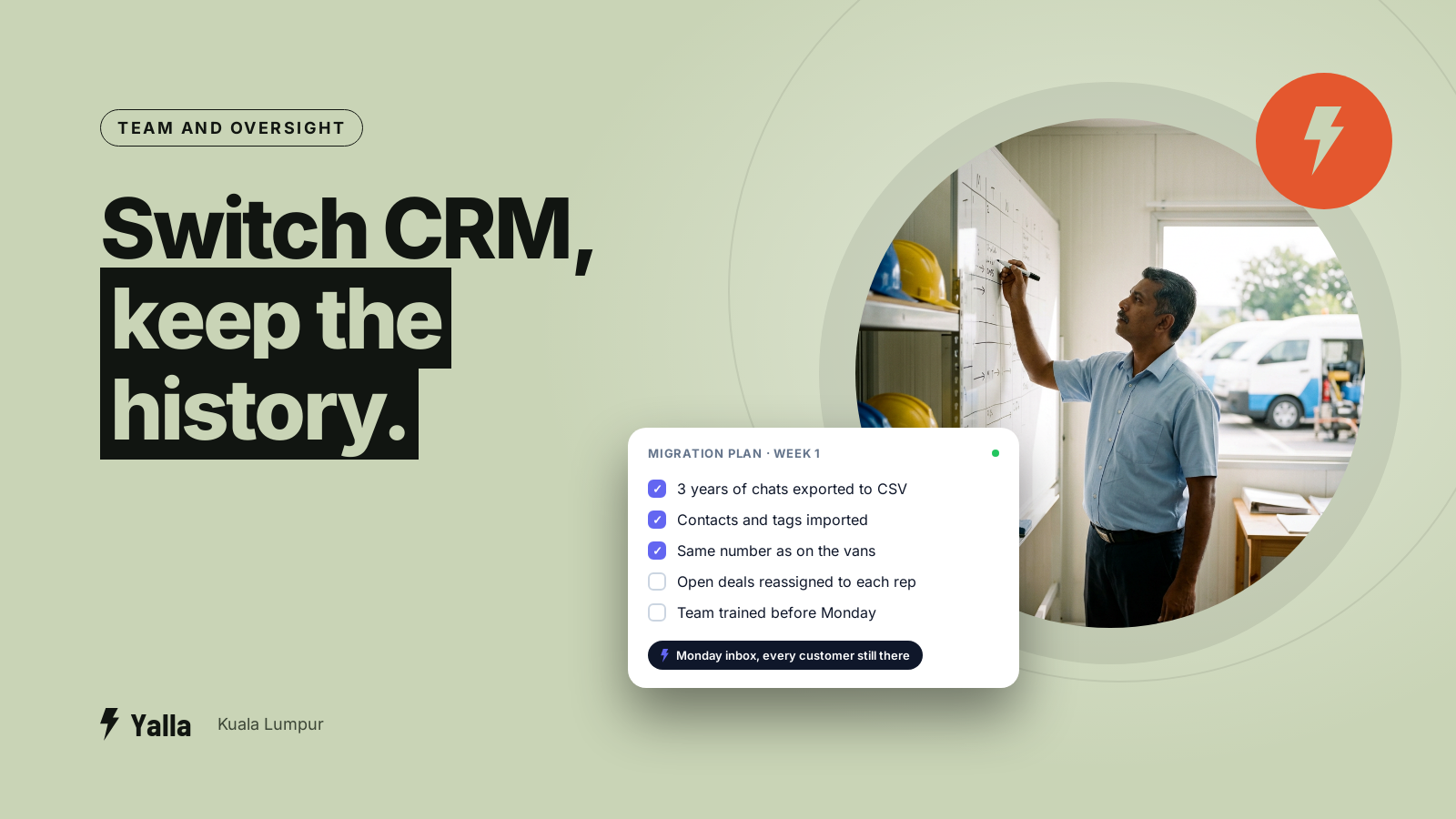
The most common reason a team in KL stays on a WhatsApp tool it has outgrown isn't the price. It's fear. Fear that the moment they switch, three years of customer conversations vanish, the number printed on every flyer and delivery van stops working, and the sales team logs in on Monday to an empty inbox with no idea who was halfway through a deal.
Part of that fear is justified and part of it isn't. This guide separates the two, using what actually happens at the WhatsApp Business Platform level, so a Klang Valley business owner or sales manager can switch with a plan.
What happens to your chat history
The part most sales pages won't put in writing: when you move a WhatsApp Business Platform number from one provider to another, the message history doesn't come with it.
The platform doesn't keep a long-term archive of your conversations the way the WhatsApp app on a phone does. Your current CRM, whether that's WATI, SleekFlow, respond.io or something else, holds those messages in its own database. When the number moves to a new provider, WhatsApp hands over the number and leaves the transcript behind. As of August 2026 that's consistent across provider migrations, not a quirk of one vendor.
So if the message-by-message scroll matters to you, don't trust the migration to carry it. Export it deliberately before you move.
Free download
The Chat History Migration Checklist: Change CRM Without Losing a Single Conversation
A practical companion to this article. Free for your email address.
Get it free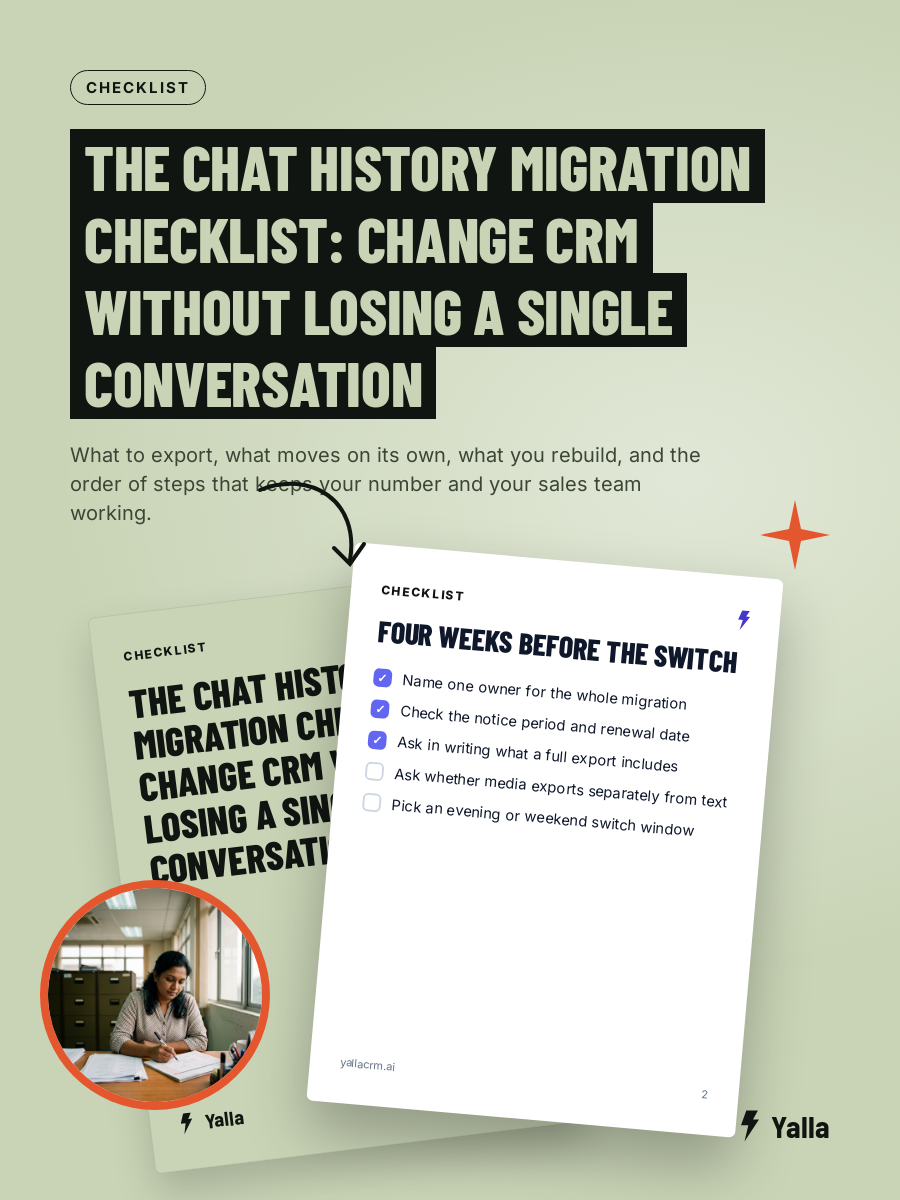
What survives a number migration and what doesn't
When a number moves between providers (in WhatsApp's terms, between Business Solution Providers), some assets carry over and some don't. Knowing the line in advance saves a bad go-live day.
| Survives the migration | Does not survive |
|---|---|
| Your phone number itself | The message history and chat transcripts |
| Your verified display name | Rejected, pending or low-quality templates |
| Your quality rating and messaging limits | Automations built inside the old tool |
| Official Business Account status, if you had it | Notes, tags and pipeline stages held in the old CRM |
| Previously approved high-quality templates | Team assignment rules and saved replies |
The good news is in the left column. Approved high-quality templates transfer and can be used straight away without another review, and that includes the Malay, English and Chinese versions you spent weeks getting approved. Your display name and your quality rating come too. Those take the longest to rebuild.
The bad news is in the right column. Everything you built inside the old software, the automations, the tags, the pipeline layout, belongs to that software rather than to WhatsApp. It gets rebuilt in the new tool. Budget time for it.
You keep the number
This is the part people most often get wrong in their heads. Changing providers doesn't mean a new number and a round of "please save our new contact" messages. The number moves with you, along with its display name and quality rating.
It does need a clean handover. A number can only be active on one provider at a time, so the old connection has to be released before the new one is set up. On our own onboarding calls this is where most of the friction sits: a number still linked to a physical device or a previous provider has to be fully delinked first, or the new setup collides with it. If the number you're moving currently lives in the WhatsApp Business app on someone's phone, that account has to be deleted for the number to be free, which is exactly why you back up first.
None of it is hard. It's a sequence, and doing it out of order is what causes the "why won't it verify" panic.
Export your conversations before you switch
If chat history matters to your business, for disputes, for record-keeping, or for handing a warm lead to a colleague, export it while you still have access to the old tool. Before you cancel anything.
- Ask your current provider for a full data export. Most CRMs can export conversations, contacts and media. Ask for conversations and attachments, because media such as quotations, receipts and photos often exports separately from text.
- Export contacts as a clean CSV. Names, phone numbers, tags and any custom fields. This is the file that actually rebuilds continuity in the new system. Check the phone numbers are in one consistent format with the 60 country code, because a list that mixes 012, +6012 and 6012 will import as three different people.
- Keep a readable copy of the high-stakes threads. For the deals worth tens of thousands of ringgit, screenshot or PDF the conversation. Don't rely on a bulk export you've never tested.
- Test the export on a small batch. Import twenty contacts into the new tool and check the tags and number formats survived before you trust the full 5,000.
- Only then release the number. Cancel nothing until the export is in your hands and checked.
That order matters. The most avoidable disaster is cancelling the old subscription first and finding out the export was incomplete after the door has locked.
Contacts, tags and pipeline matter more than the scroll
This is where "losing history" quietly changes shape. What you're really trying to keep is the record: who this person is, what they asked for, how far they got, and what happens next.
A transcript is a log. A customer record is something your team and your AI can act on. So the better question of any new CRM is how much of your business it can read and act on once you're in, across pipelines, WhatsApp, Instagram, Facebook, email and reporting. That's the difference between a tidy archive and a system that moves work forward.
In practice, prioritise the structured data: contacts, phone numbers, tags and pipeline stage. If a lead was at "quote sent", they should land in the new system at "quote sent", so the salesperson in Subang picks it up on Monday without starting from zero. The raw transcript is a useful backup. The structured record is what keeps revenue moving.
Yalla is a chat-native CRM whose AI does the work inside the conversation. On a migration that shows up in two places. Contacts and tags import as structured records rather than a flat dump. And once you're live, Yalla Brain acts across pipelines, WhatsApp, Instagram, Facebook, email campaigns and reporting from one instruction, so the automations you lost in the old tool get rebuilt as plain instructions instead of re-engineered by hand.
The safest order for the switch
Put together, the sequence that avoids the common failures:
- Export conversations, media and contacts from the old tool, and check them.
- Set up the new CRM and import contacts and tags, on a test batch first, then in full.
- Rebuild your key automations in the new tool. Approved templates carry over; the automation logic doesn't.
- Schedule the number migration for a quiet window. An evening or a weekend suits most SME teams, and not the week of a big campaign, a school intake or the run-up to Hari Raya.
- Delink the number cleanly from the old provider or device.
- Complete verification with the new provider by SMS or call.
- Confirm your display name, business account status and messaging limits came across, then send one test message before you tell the team you're live.
The whole thing is usually a few hours of active work. The weeks people dread come from doing it blind.
When switching isn't worth it
If your sales genuinely run on email threads and long documents rather than chat, a record-first CRM built around email will serve you better than any WhatsApp-native tool, and a move to chat-native would be a step sideways. If you need a heavily custom data model, a tool like Attio is built for that. And if your requirement is enterprise-grade compliance and procurement sign-off, Salesforce exists for that world.
If your business actually happens in WhatsApp and your current tool is about to get more expensive, has no usable mobile app, or simply doesn't act on the messages it collects, the migration is worth the afternoon it costs. Do it in the right order.
FAQ
Will I lose my chat history if I move to a new CRM?
The transcripts don't transfer automatically when a WhatsApp Business Platform number moves between providers, as of August 2026. Your number, display name, quality rating and approved templates do carry over. Export the old conversations before you release the number, and import contacts and tags as structured records.
Can I keep the same number when I switch providers?
Yes. The number moves with you, with its display name and quality rating. The one rule is that it can only be active on one provider at a time, so the old connection must be fully released before the new provider completes verification.
What happens to my message templates?
Previously approved high-quality templates transfer and can be used immediately without a fresh review. Rejected, pending or low-quality templates don't. Tidy the library before you move so you only carry across the ones you use.
How long does a migration take?
For most SME teams, a few hours of active work: exporting and checking data, importing contacts, rebuilding key automations, then the number move in a quiet window. The delays almost always come from skipping the export or from a number that was never cleanly delinked.
Free download
The Chat History Migration Checklist: Change CRM Without Losing a Single Conversation
A practical companion to this article. Free for your email address.
Get it freeYalla is the chat-native CRM where the AI does the work, not just the talking.
See how much of your business it can reach.