
Renewal Coming Up? What a KL Sales Team Should Check Before Staying on WATI
For KL teams already on WATI and deciding whether to renew or move: where WATI still wins, the true cost to add up in ringgit, and the one test to run first.
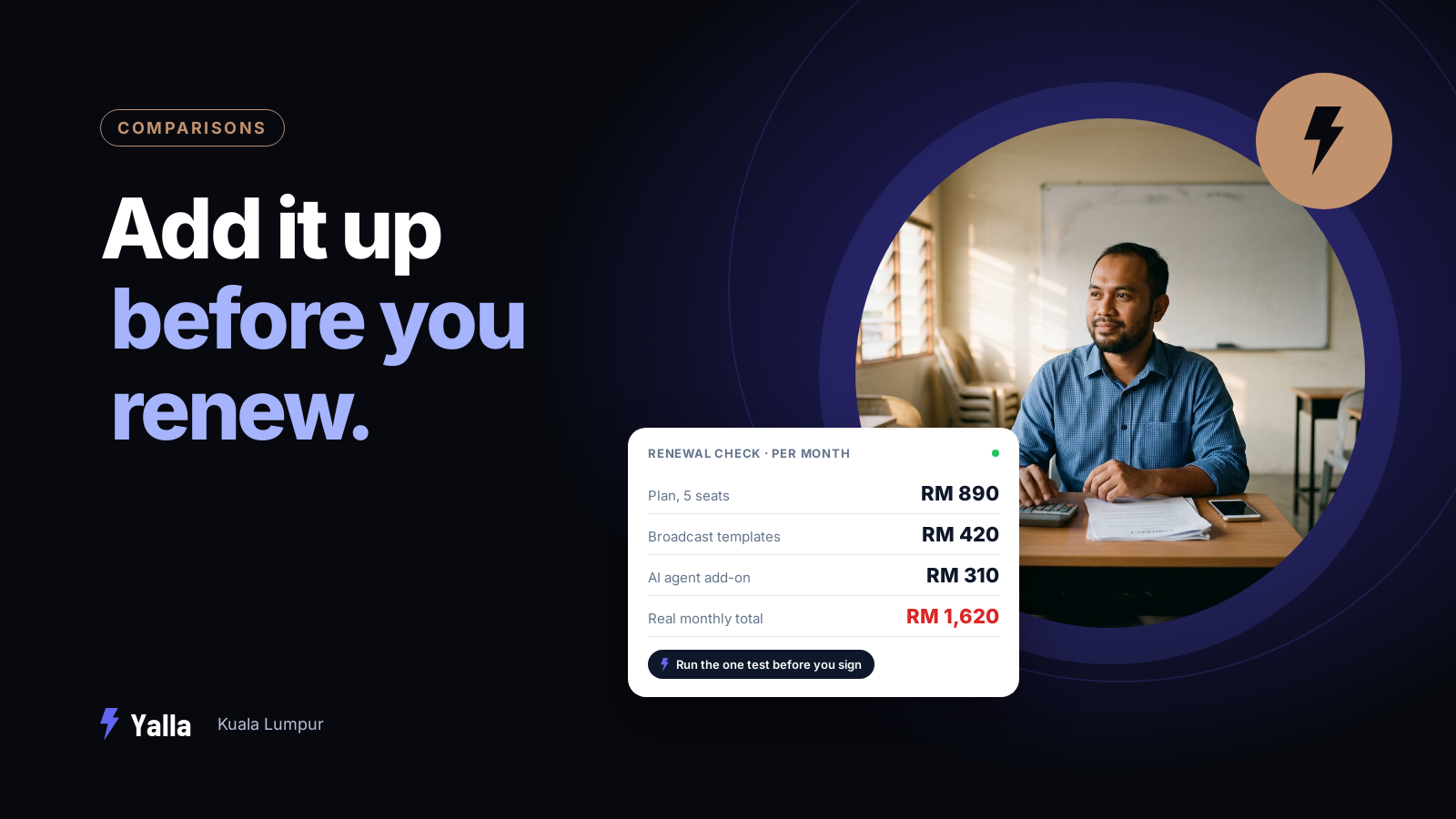
If your team already handles customer conversations through WATI, you don't need the category explained. You know what a shared team inbox is, you've built broadcast templates, and you've probably wired up at least one no-code bot. The question in front of you is narrower: the contract is coming up, or the monthly bill has crept past what it felt like when you signed, and you're wondering whether moving is worth the disruption.
This guide is for a KL business owner or sales manager making that call. Maybe you run a tuition centre in Subang with five people on one WhatsApp number, or a property agency in Petaling Jaya where the negotiators all reply from the same inbox. It covers what WATI is genuinely good at, where it stays the better choice, and one test to run against any alternative before you sign anything new.
What WATI does well
WATI is a WhatsApp Business API platform built around a shared team inbox. As of August 2026 its core is stable and well understood:
- several agents answering one WhatsApp number
- broadcast and drip campaigns on approved templates
- a no-code chatbot builder
- contact attributes and tags
- an AI agent you can point at a custom knowledge base to answer common questions
It connects to the wider stack through integrations and an API.
For a team whose whole job is answering and broadcasting on WhatsApp, that's a coherent product. If your review turns up nothing that frustrates you, renewing is fine. Not every account has outgrown the tool it started on.
The complaint switchers raise most often, and one worth checking against current reviews yourself, is the lack of a native mobile app, which pushes agents into a browser when they're away from a desk. For a KL sales team that spends half the day in Grab cars between site visits, that matters. Treat it as a known pain point to confirm for your own workflow rather than a settled fact, because product roadmaps move.
Free download
The WhatsApp CRM Switcher's Checklist: 12 Questions to Ask Before You Leave HubSpot, WATI, or SleekFlow
A practical companion to this article. Free for your email address.
Get it free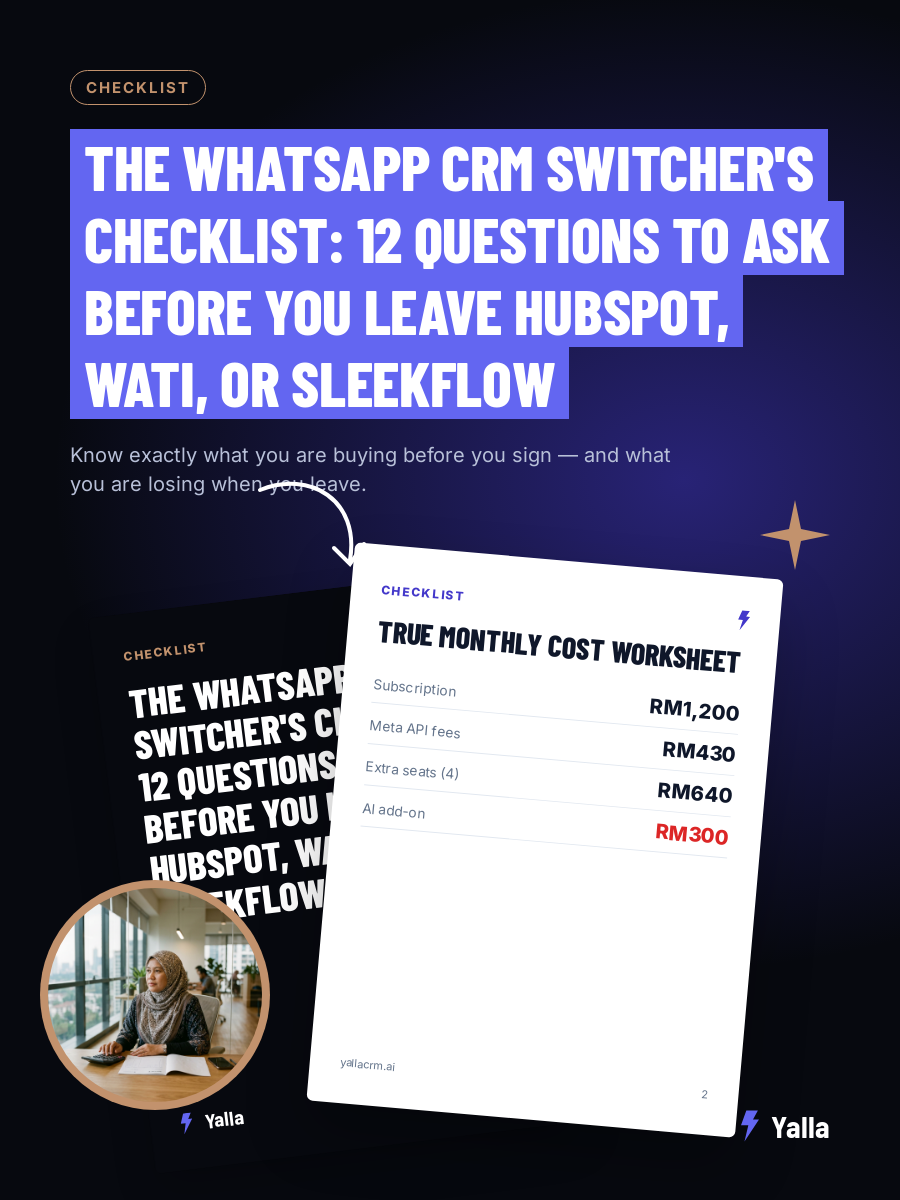
Why teams start shopping for a WATI alternative
Three reasons come up again and again, and only one of them is price.
Cost creep. WhatsApp platform pricing tends to look modest on the entry tier and then stack up: extra agents, add-ons, and the conversation charges Meta itself levies sitting on top of the subscription. Work out your real all-in monthly figure in ringgit before you compare anything. The sticker price is rarely the spend.
The ceiling. A WhatsApp inbox answers messages well and then stops at the edge of WhatsApp. The moment a qualified conversation needs to become a deal in a pipeline, a follow-up sequence, a task for a salesperson or a line in a report, somebody is copying information between screens. That manual hand-off is where leads quietly leak.
Reach. An AI agent is only as useful as the set of systems it's allowed to read from and act on. A reply assistant wired to one channel can draft a lovely message and do nothing else with it. Every CRM ships an AI now, so the useful comparison is how much of your business each one can reach.
What to actually compare when leaving WATI
A WhatsApp inbox closes the message. A CRM closes the loop, turning the reply into a booked viewing, an updated deal and a follow-up that goes out without anyone remembering to send it.
WATI answers WhatsApp well. The real question at renewal is what happens to the conversation after the reply is sent, and whether that next step still needs a person carrying details out of the inbox into everything else.
Picture the tuition centre again. A parent in USJ asks about Standard 5 maths classes on a Tuesday night, in a mix of English and Malay. The inbox handles the reply. Then someone has to log the enquiry, offer a trial class, remind the parent the day before, and chase them if they don't turn up. If each of those steps happens by hand, your team is the integration.
That's the axis that matters. Everything else is a feature list.
WATI or a chat-native CRM: what changes for your team
| What you're deciding | WATI (WhatsApp inbox platform) | Chat-native CRM (Yalla) |
|---|---|---|
| Primary shape | Shared WhatsApp inbox plus broadcasts | CRM built around the chat, with a pipeline underneath |
| After the reply is sent | Conversation stays in the inbox, next steps are manual | AI can move the deal, assign, schedule and update the record |
| Channels the AI acts on | WhatsApp-centric | Pipelines, WhatsApp, Instagram, Facebook, email campaigns and reporting |
| Pipeline and deals | Tags and attributes rather than a true sales pipeline | Native pipeline with stages and ownership |
| Reporting | Conversation and campaign metrics | Sales reporting from the same system that runs the chats |
Yalla is a chat-native CRM where the AI does the work as well as the talking. Yalla Brain acts across pipelines, WhatsApp, Instagram, Facebook, email campaigns and reporting from one instruction. For a switcher, the thing being weighed is a system where the conversation and the sales work live in one place. A nicer inbox alone wouldn't justify the move.
A word on broadcasts before you move for them
If broadcasts are a big part of why you're on WATI, be careful what you expect a new platform to fix. The marketing lead at a private hospital group we met through a BNI chapter raised this on a discovery call with us:
"Number of WhatsApp being sent out, they have limit."
"More than 200 it will be blocked, right?"
She'd already hit that wall. Messaging limits and number quality are set by Meta, and they follow your number to whichever provider you use. Switching platforms doesn't lift them. What a CRM can change is who you send to and when: smaller, better-targeted sends to people who've actually engaged, and one-to-one follow-up instead of another blast. If a vendor promises you'll never hit a limit again, ask them to put that in writing.
Where WATI is still the better choice
Here's where you should stay put.
If your operation is genuinely WhatsApp-only and you've no need for a sales pipeline, deal stages or multi-channel reporting, a dedicated inbox does the job and switching adds surface area you won't use.
If broadcast and drip campaigns to large contact lists are the heart of what you do and they're working, that's a WATI strength. Check feature parity carefully before moving for it.
And if your team is happy and your all-in cost is fair once you've actually added it up, the disruption of a migration isn't worth a marginal gain.
Yalla isn't the answer everywhere either. If your pipeline is email-led and document-heavy, a record-first CRM like HubSpot or Salesforce fits better. If you need a highly custom data model with bespoke objects, Attio is built for that. And if buying is gated by enterprise compliance and procurement, Salesforce is the safer institutional choice.
What switching from WATI actually involves
The two things switchers worry about most are the WhatsApp number and the history.
Your Business API number can generally be migrated between providers, and contacts and message history can usually be exported. The exact steps and any downtime depend on both providers and your Business Service Provider, so confirm the current process with each side before you set a date.
A few practical points:
- Time the move to your renewal so you're not paying two platforms at once.
- Keep your approved message templates handy. They'll need recreating and re-approving on the new platform, including any Malay and Chinese versions.
- Avoid your peak. Don't migrate the week before an intake, a launch or a year-end sale.
None of this is trivial, but it's a known, finite piece of work.
Frequently asked questions
Is Yalla a direct replacement for WATI?
Yalla covers the WhatsApp inbox and broadcast job WATI does, then extends into a sales pipeline, other channels and reporting. If all you want is a like-for-like WhatsApp inbox, that's a smaller need than Yalla is built for. If you want conversations to turn into pipeline movement and follow-up automatically, that's the gap Yalla is designed to close. Check the specific features you rely on before switching.
Will I lose my WhatsApp number or chat history if I switch?
Generally no. WhatsApp Business API numbers can usually be moved between providers, and contacts and message history can usually be exported. The steps, timing and any brief downtime vary by provider and by your Business Service Provider, so confirm the migration path with both sides before committing to a date.
Is a WATI alternative cheaper?
That depends on your real all-in cost, not the entry price. WhatsApp platform bills stack agents, add-ons and Meta's own conversation charges on top of the subscription, so calculate your actual monthly spend in ringgit first. Then compare what each tool does with a conversation once it lands. A lower sticker price that still leaves your team copying data between screens isn't the saving it looks like.
How do I decide between renewing WATI and moving?
Run one test. After a customer messages you, can your current tool move the deal, assign the owner, schedule the follow-up, update the record and feed the report on its own? If WATI does everything you need and the cost is fair, renew. If you keep reaching the edge of the inbox and finishing the job by hand, that manual work is what an alternative should remove.
Free download
The WhatsApp CRM Switcher's Checklist: 12 Questions to Ask Before You Leave HubSpot, WATI, or SleekFlow
A practical companion to this article. Free for your email address.
Get it freeYalla is the chat-native CRM where the AI does the work, not just the talking.
See how much of your business it can reach.