
The Follow-Up Your Sales Team Can't Send After 24 Hours, and How to Plan For It
Why your KL team can't message a quiet lead back after 24 hours, what a template is, what it costs from October 2026, and how to plan follow-up around it.
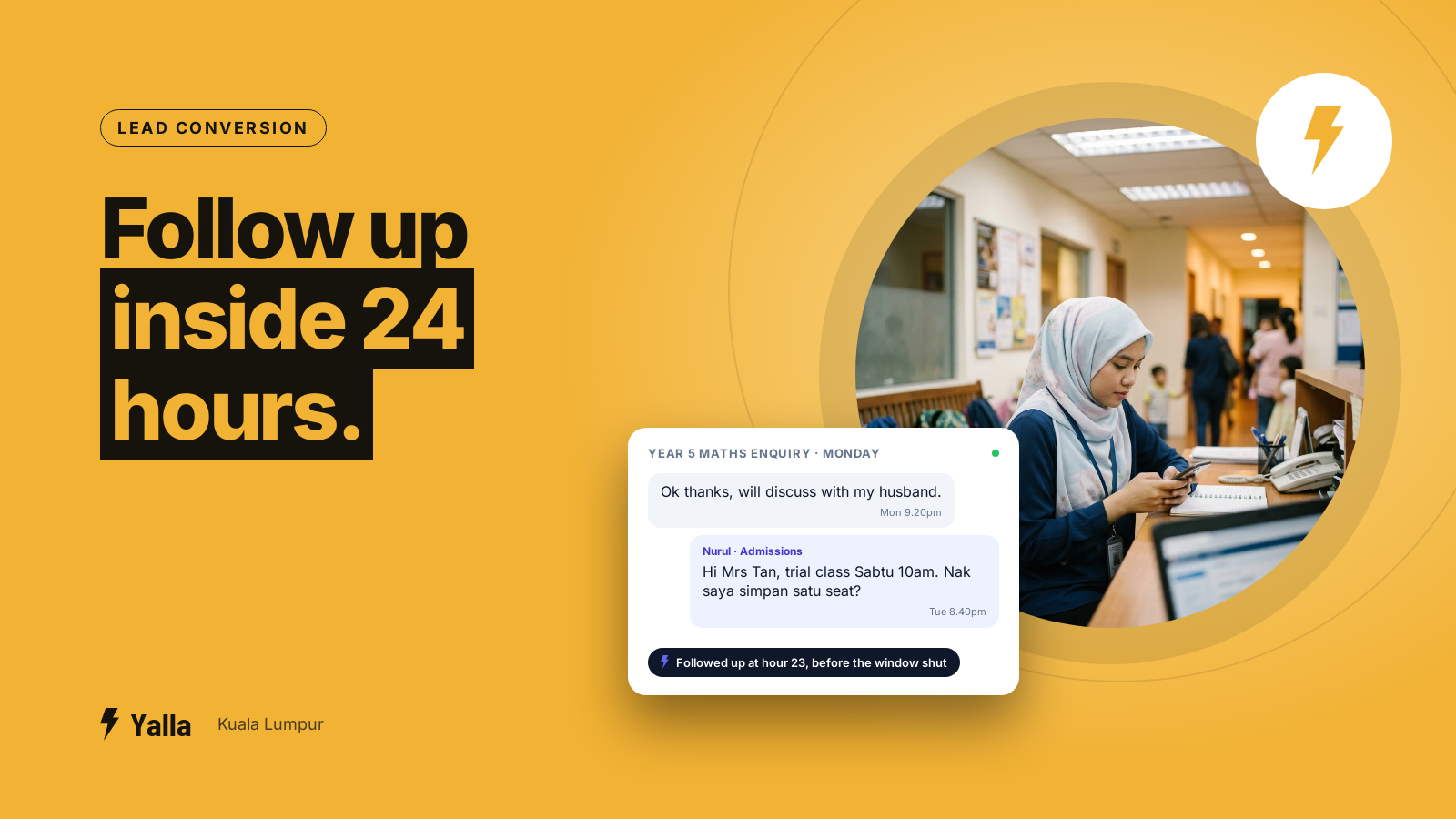
Picture an admissions officer at a tuition centre in Cheras. A parent messages on Monday night asking about Year 5 maths classes. She replies with the timetable and the fees, the parent writes back "ok thanks, will discuss with my husband", and the chat goes quiet. On Wednesday afternoon she types a friendly "Hi, just checking if you had any questions?" and the message won't send.
Nothing is broken. That is the WhatsApp Business Platform working the way Meta designed it, and it catches most Klang Valley teams out in their first week on the API. It is also the rule that decides when your follow-up can happen, what form it has to take and what it costs, so it's worth understanding before you put a sales or admissions team on it.
This is a plain explainer of the 24-hour window: what opens it, what closes it, what you can send on either side of it, and how to build follow-up that works with the rule.
The 24-hour window in plain terms
The 24-hour window, also called the customer service window, opens the moment a customer sends your business a message on the WhatsApp Business Platform. For 24 hours after that message you can reply with anything: text, photos, voice notes, PDFs of a quotation or a brochure. You write the way you would in a normal chat.
The window rolls. It isn't tied to the calendar day. Every new message from the customer resets the clock for another 24 hours, so a live back-and-forth keeps it open indefinitely. It only closes when 24 hours pass with nothing new from the customer.
Once that happens, free-form messages stop delivering. To contact that customer again you need an approved template. That's the part that surprises people, and it changes how a sales team has to work.
Free download
The 24-Hour Window Follow-Up Planner
A practical companion to this article. Free for your email address.
Get it free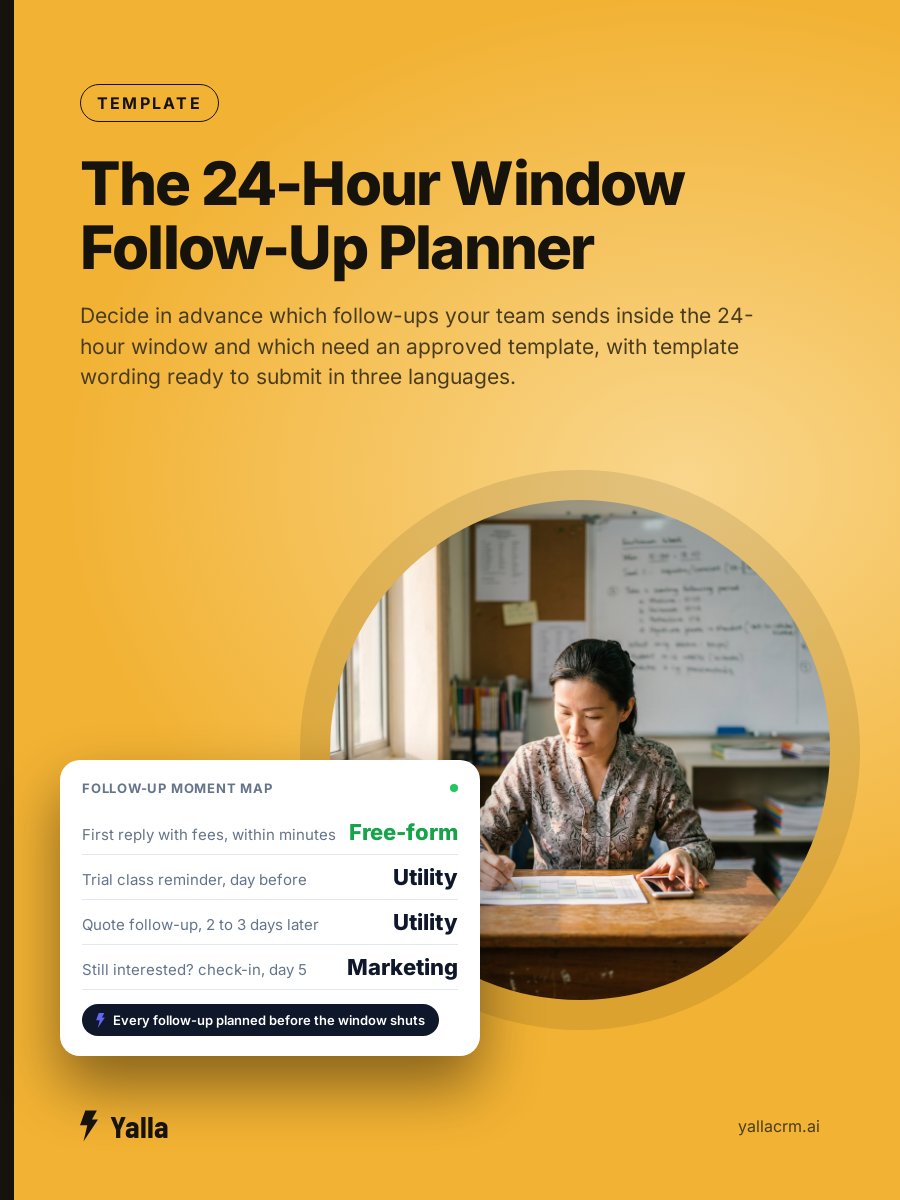
Why Meta built it this way
WhatsApp is a private messaging app first, and Meta guards that hard. If any business could message any number whenever it liked, people's chat lists would fill with promotions and they would start ignoring business messages altogether. The window keeps the channel usable: you can respond freely to a conversation the customer started, and you can't keep nudging someone who has gone silent with whatever you feel like typing.
For your customer that's a relief. For a team that lives on follow-up it feels like a handbrake. Both are true, and the teams that plan around the rule get far more from WhatsApp than the ones that keep walking into it.
Templates: the way back in
A template is a pre-written message you submit to Meta for review before you use it. Once approved you can send it even when the window has closed. Templates are how you legitimately reopen a conversation with someone who went quiet.
Meta sorts templates into categories, each with its own pricing and its own approval standard.
| Template category | What it is for | Typical use |
|---|---|---|
| Utility | Transactional messages tied to an existing order or request | Order confirmation, appointment reminder, quote follow-up |
| Authentication | Identity and access | One-time passcodes, login and account recovery |
| Marketing | Promotional or re-engagement content | Offers, launches, "still interested?" check-ins, open day invitations |
One rule catches people out. If a template mixes a utility purpose with anything promotional, Meta treats the whole thing as marketing. "Your quotation is ready, and we have a Merdeka promotion this month" is a marketing template, priced and reviewed as one. Keep utility templates strictly transactional if you want them in the cheaper category.
There's a second rule that matters more here than in most places. Each language is its own template. If your customers write to you in Malay, English and Chinese, you need an approved version in each, and the English one doesn't cover the other two. Build all three when you build the library, not on the day a Mandarin-speaking parent goes quiet.
What you can send inside and outside the window
This is the whole rule in one place:
- Inside the 24-hour window (the customer messaged you in the last 24 hours): send anything. Free-form text, media, voice notes. No template needed.
- Outside the window (more than 24 hours since their last message): free-form messages won't deliver. You can only send an approved template. If the customer replies to it, a fresh window opens and you're back to normal chat.
So the flow is: customer messages, you have 24 hours of free conversation, and if they go quiet past that, your only way back is a template.
What it costs from 1 October 2026
For a long time, service replies inside the window were effectively free, and the templates you sent to reopen a conversation were what you paid for. From 1 October 2026 that shifts. Under the pricing change Meta has set for that date, free-form service replies inside the window become billable per message, and so do utility templates sent inside an open window, as reported across WhatsApp Business Platform pricing guidance in mid-2026. Rates are set per country and by category, and Meta has adjusted them more than once, so take the Malaysia figures from your provider's current rate card.
For a sales team the effect is simple. Every extra back-and-forth and every re-engagement template carries a cost. You keep the bill down by resolving conversations in fewer turns and by not firing templates at leads who were never going to reply. Message count moves the invoice more than headcount does.
Follow-up that works with the window
Most leads that slip away do so because the follow-up was improvised, and improvised follow-up runs straight into the window. Someone means to get back to a quiet prospect, remembers three days later, tries to type a message, finds it blocked, and by then the parent has booked a trial class at the centre down the road in Taman Connaught.
1. Reply fast while the window is open. The cheapest and most useful messages you'll ever send are the free-form ones in the first 24 hours. Do the valuable work, the answer, the quote, the booking, before the door closes.
2. Build the template library before you need it. Don't write a re-engagement message under pressure. Have approved templates ready for the moments you know are coming: quote follow-up, missed call, appointment reminder, "still interested?", open day invitation, re-enrolment or re-order nudge. In every language you actually receive enquiries in.
3. Sort templates by category on purpose. Utility for strictly transactional messages, marketing for genuine re-engagement, and expect each to be priced and reviewed accordingly.
4. Know which windows are open. A team that can see which conversations are still inside their 24 hours knows where a free reply still works and where only a template will. Without that, people either miss the window or waste templates on leads who are still live.
5. Stop sending templates into silence. With per-message billing, a fourth template to someone who ignored the first three is money for nothing. A lead who never replied and a lead who went quiet mid-negotiation are different people and deserve different treatment.
Where a CRM helps, and where it doesn't
Tracking the window by hand across a team is where it falls apart. Nobody can hold in their head which of a hundred conversations is still open, which template is approved in which language, and which quiet lead deserves another message. That's the work a WhatsApp-native CRM should carry: it knows which windows are open, holds the approved template library, and sends the right template at the right moment so nobody has to remember.
Yalla is a chat-native CRM whose AI acts on the conversation as well as drafting replies. Yalla Brain works across pipelines, WhatsApp, Instagram, Facebook, email campaigns and reporting from one instruction, so re-engaging a batch of quiet leads with the correct approved template is one instruction instead of an afternoon of manual sends. Window-aware follow-up is a decent test of any CRM's AI. One that can only draft a message is much less use than one that also knows whether the message is allowed to go.
The limits are real, though. A CRM doesn't exempt you from Meta's rules. It can't get a badly written template approved, it can't message someone who has blocked you, and it won't turn a dead lead into a live one. If your business runs almost entirely on email, a record-first CRM built around email will serve you better. The window only matters if WhatsApp is where your customers are, and for most businesses selling to people in KL, it is.
Frequently asked questions
Does the 24-hour window reset every time the customer replies?
Yes. Each new message from the customer resets the clock for another full 24 hours. An active conversation keeps the window open throughout, and it only closes after 24 hours with no message from the customer.
Can I send a template inside the 24-hour window?
You can, though you usually don't need to. Inside the window free-form messages are allowed. Templates earn their place once the window has closed.
Why was my template rejected?
The usual reasons are vague or placeholder content, promotional wording submitted as utility, missing or mismatched variables, and formatting that reads like spam. Rewrite it for its true category, make the purpose specific, and resubmit.
Do I pay for messages inside the 24-hour window?
From 1 October 2026, yes. Under Meta's change for that date, service replies and in-window utility messages become chargeable per message. Rates vary by country and category, so confirm the current Malaysia numbers with your provider before you model costs.
How is the window different from a broadcast?
The window governs one-to-one conversations a customer started. A broadcast is an outbound message to many contacts at once. Because it lands outside any open window, it has to use approved templates and follow opt-in rules.
Free download
The 24-Hour Window Follow-Up Planner
A practical companion to this article. Free for your email address.
Get it freeYalla is the chat-native CRM where the AI does the work, not just the talking.
See how much of your business it can reach.