
Will Your Sales Reps Resist a CRM That Takes WhatsApp Off Their Phones?
Your KL sales team won't give up WhatsApp on their phones. Coexistence mode lets them keep it alongside a CRM. What it fixes, and where adoption still fails.
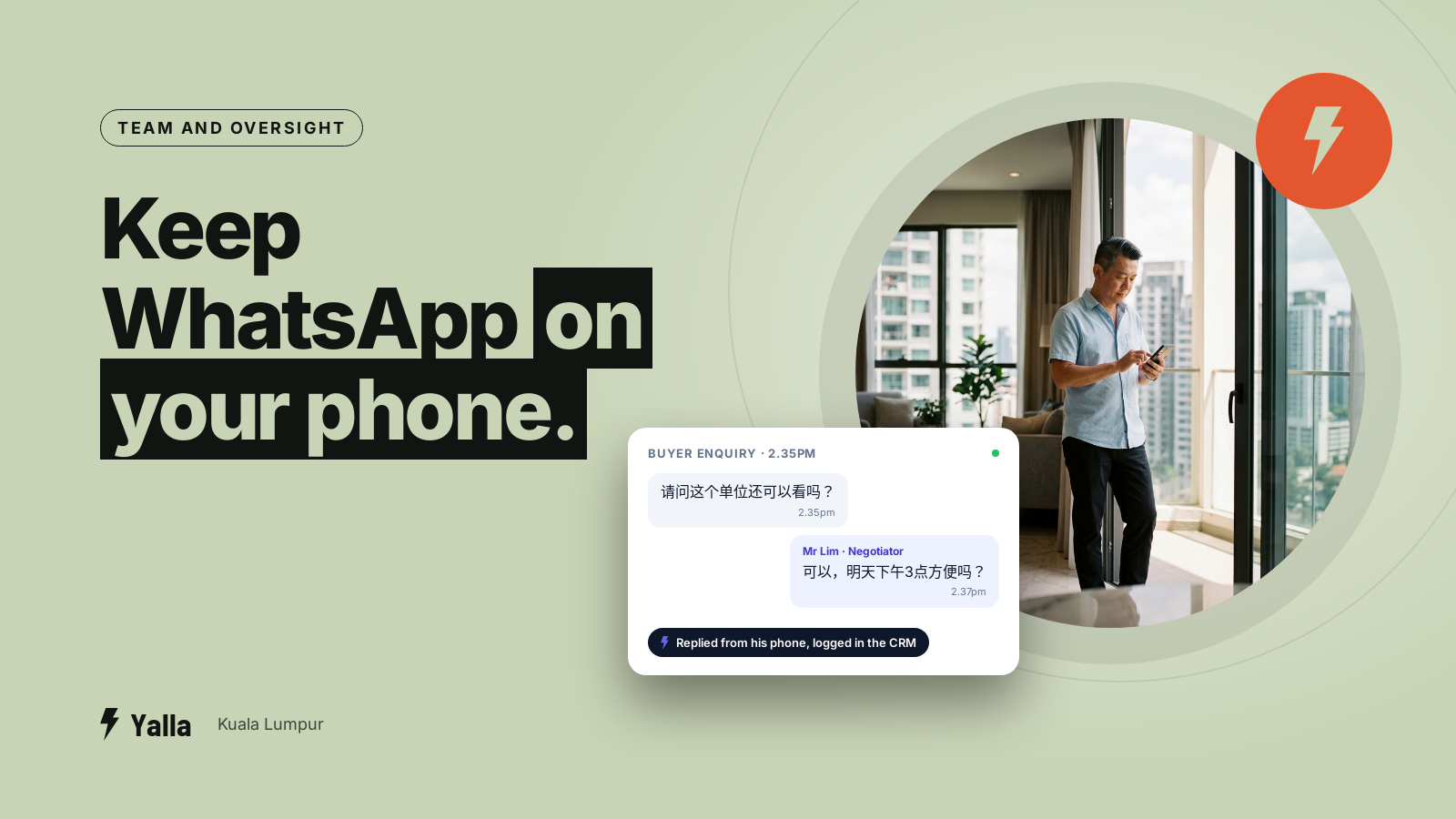
A CRM rollout in a KL sales team usually stalls on something duller than price or AI. The salespeople don't want to give up WhatsApp on their own phones.
Picture a property agency in Mont Kiara with eight negotiators. The director likes the idea of one shared inbox where every enquiry is assigned and nothing slips. Then a senior negotiator, who has been answering buyers in Cantonese and English from the same green app for six years, asks the real question: "So I have to stop using WhatsApp on my phone and work out of some other app?" For a long time the honest answer was yes, and that answer ended a lot of rollouts before they started.
There's now a middle path, and most buyers in the Klang Valley haven't heard its name: coexistence mode. This article covers what it is, what it fixes, and where it still leaves the real problem in place.
Why connecting a CRM used to mean losing the app
For a whole team to share one WhatsApp number, that number has to run on the WhatsApp Business Platform, which most people call the Meta API. The API is what makes multiple agents, assignment, automation and reporting possible. The normal WhatsApp Business app is built for one phone and one person.
Until coexistence arrived, moving a number onto the API meant a full migration. The number left the app and lived entirely in the Cloud API. After that, the WhatsApp Business app on that number stopped working. Salespeople couldn't open WhatsApp on their phone and see those chats. Everything happened in the CRM app or the web inbox.
For a manager, fine. For a salesperson who has spent years building rapport through the app on their phone, it feels like working with one hand tied. The resistance managers run into is completely rational.
Free download
How to Get Your Sales Team to Use Your WhatsApp CRM Instead of Their Own Threads and Spreadsheets
A practical companion to this article. Free for your email address.
Get it free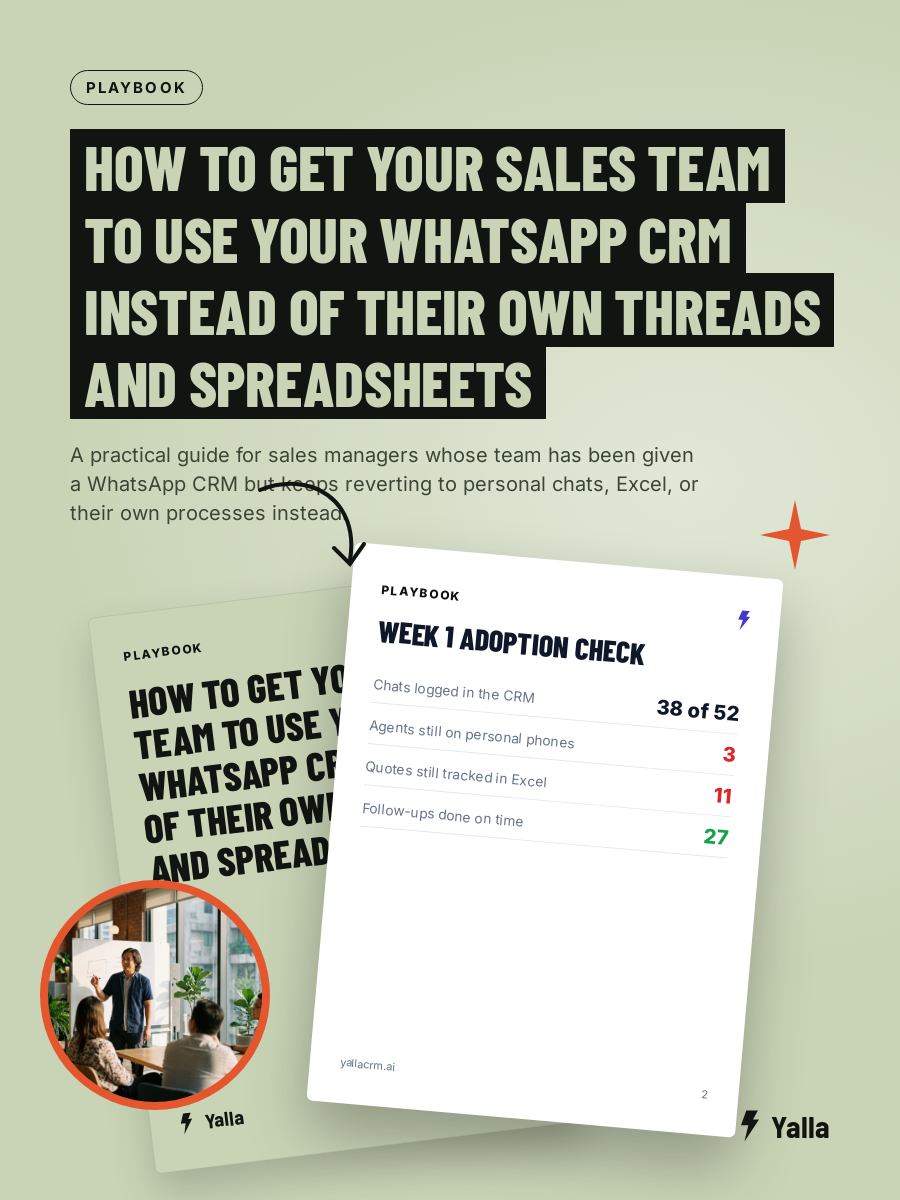
What coexistence mode is
Coexistence is a Meta feature that lets the WhatsApp Business app and the WhatsApp Cloud API run on the same number at the same time. You don't have to pick one.
In plain terms, the salesperson keeps WhatsApp on their phone and can still send and receive there, while the same number is connected to your CRM so the team, the pipeline and the automation can see and act on those conversations. As of 2026 coexistence is supported in Malaysia, according to WhatsApp Business Platform documentation and provider guides.
The parts that matter to a team:
- Real-time sync. One-to-one chats are mirrored between the phone app and the API, so a reply sent from the phone shows in the CRM and the other way round.
- History import. During onboarding, coexistence can import up to roughly six months of past chats, so you don't start from an empty inbox. The exact window depends on your provider.
- The app stays live. The salesperson can still send from their phone. The number isn't handed over to the API alone.
- Automation still works. An AI agent, templates and follow-up sequences can run through the API while manual replies carry on from the app.
That answers the objection your team keeps raising. Nobody has to abandon the app, and the business still gets the shared inbox and the automation.
Coexistence or full migration
These are two ways to connect the same number, and they suit different teams.
| Coexistence mode | Full API migration | |
|---|---|---|
| WhatsApp app on the phone | Stays usable | Stops working on that number |
| Best for | Teams attached to the app; gradual rollout | Teams ready to work fully in one system |
| Chat history | Around six months imported | Handled during setup |
| Risk to adoption | Low; least disruptive | Higher; needs a change plan |
| Control and consistency | Split between app and CRM | Everything in one place |
Coexistence is the softer landing. It's the right first step when your team's resistance is the main blocker, or when you want to prove the system works before asking everyone to change their habits.
Full migration is the cleaner end state. When every conversation lives in one system, every reply is logged, every handover is visible, and there's no shadow set of chats on a personal phone that the director never sees. Plenty of teams start on coexistence to lower the resistance, then move to full migration once the CRM has earned some trust.
Coexistence isn't a loophole
Two things buyers get wrong.
First, coexistence has nothing to do with the old QR-code trick. Some tools let you scan a QR code to hook an unofficial connection onto a normal WhatsApp app with no Meta API involved at all. That breaks Meta's terms and it's the classic way numbers get banned. Coexistence is an official Meta feature built on the Cloud API. On our own platform we switched off QR-based linking because it put customers' numbers at risk, and coexistence is the compliant way to get most of the same convenience.
Second, coexistence doesn't fix the adoption problem on its own. If your salespeople keep working only from the phone and never open the CRM, you still get what you were trying to avoid: conversations that live on one handset, follow-ups only that person knows about, and a pipeline that's half empty because nobody updates it. Coexistence removes the excuse for not adopting. Adoption itself still takes rules, a rollout plan, and a manager who checks.
A few rules that tend to hold in practice:
- Agree what has to be in the CRM. Every new enquiry assigned there, every quote logged there. Chat can happen anywhere, but the record lives in one place.
- Make the Monday meeting run off the pipeline. If the director reviews deals from the CRM screen, a deal that isn't in it doesn't get discussed, and people notice quickly.
- Start with the people who want it. Two keen negotiators on the system for a fortnight will persuade the rest faster than a memo.
- Set a date for full migration, or decide you won't. Coexistence as a permanent halfway house tends to drift back to phones.
Where the AI fits
This is the part that decides whether connecting WhatsApp was worth the effort. A chatbot bolted onto a single WhatsApp line can answer a question. A team needs more: an AI that sees the enquiry, knows which salesperson owns it, moves the deal to the next stage, sends the brochure or the quote, and schedules the follow-up, all from the same conversation, in whichever of Malay, English or Chinese the customer wrote in. That only works if the number is properly on the API, which coexistence allows without taking the app off anyone's phone.
Yalla is a chat-native CRM whose AI does the work in the conversation as well as the replying. Yalla Brain acts across pipelines, WhatsApp, Instagram, Facebook, email campaigns and reporting from one instruction. Once a number is connected, by coexistence or full migration, that layer is what turns a shared inbox into something that moves deals forward.
Where Yalla isn't the right answer
If your business runs on email, with formal proposals and long document threads rather than chat, a record-first CRM built around email will fit your habits better. If you need a heavily customised data model, a tool like Attio is built for that. And if you need enterprise compliance and procurement sign-off across a large organisation, Salesforce carries certifications and controls a lean chat-native platform doesn't.
Coexistence matters most when WhatsApp is where your sales happen and your team lives in the app. If that's you, it removes the biggest reason rollouts fail. If it isn't, connecting WhatsApp is a smaller part of your picture and the decision should rest on other things.
Frequently asked questions
Can we use the WhatsApp Business app and a CRM on the same number?
Yes, through coexistence mode. It's an official Meta feature that lets the WhatsApp Business app and the Cloud API run on one number together. Salespeople keep sending from the phone while the number is also connected to your CRM.
Will connecting our number to a CRM get it banned?
Not if you connect through the official Meta API or coexistence. Bans usually come from unofficial QR-code or scraper connections that break Meta's terms.
Do we lose chat history when we connect?
With coexistence, around six months of one-to-one history can be imported during onboarding. With a full migration, history is handled during setup. The exact window depends on your provider, so confirm it before you switch.
Should we start with coexistence or go straight to full migration?
Start with coexistence if your team is attached to the app and adoption is the main risk. Move to full migration once the CRM has earned trust and you want every conversation in one place.
Free download
How to Get Your Sales Team to Use Your WhatsApp CRM Instead of Their Own Threads and Spreadsheets
A practical companion to this article. Free for your email address.
Get it freeYalla is the chat-native CRM where the AI does the work, not just the talking.
See how much of your business it can reach.