
Managing Leads in Excel? Why It Breaks a KL Sales Team
Managing leads in Excel works until you have a team. Here is where the spreadsheet breaks for a KL sales team, what it costs in ringgit, and how to move off it.
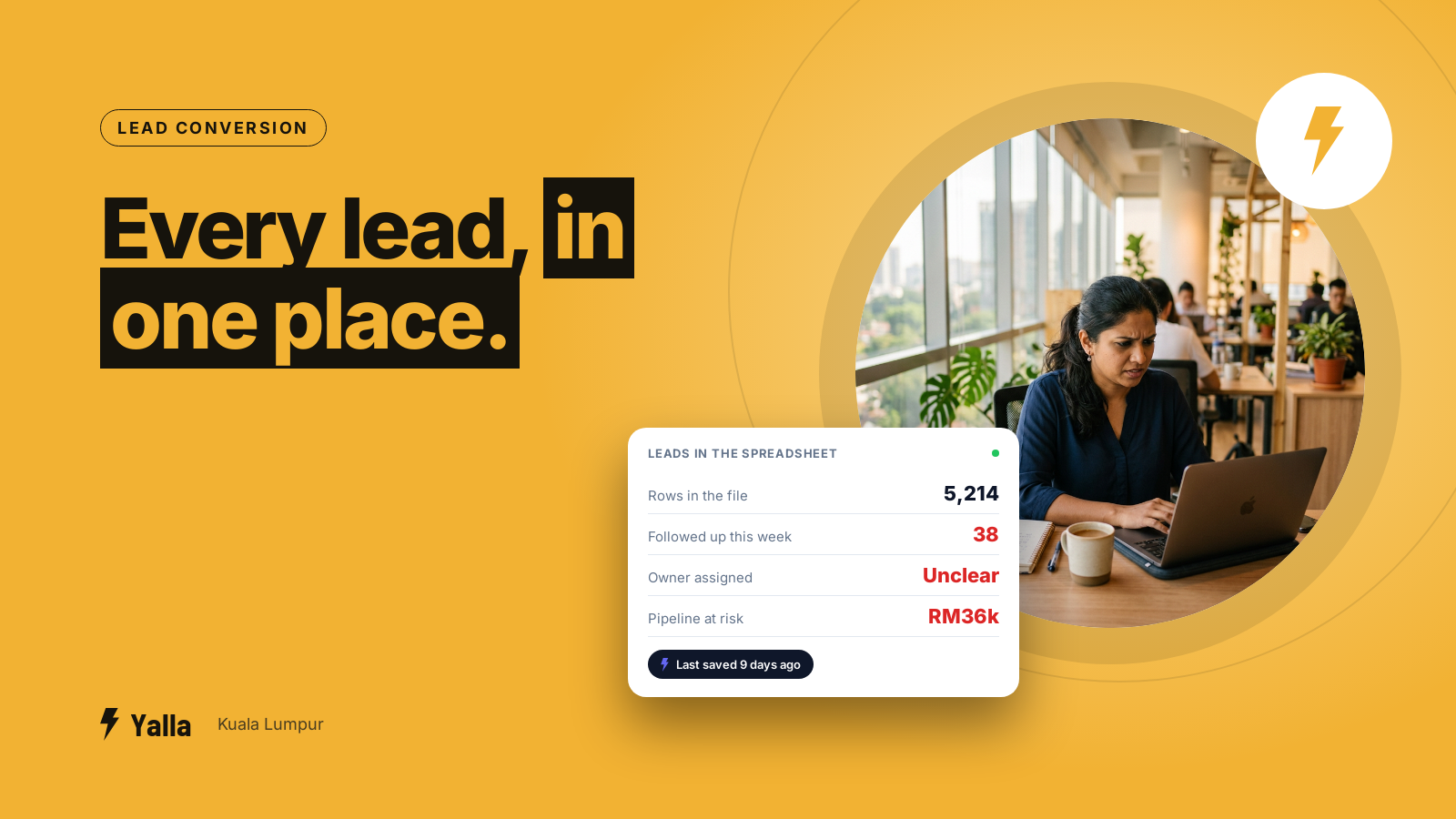
A Klang Valley sales team of five can run on a shared Excel file for a surprisingly long time. One tab for new enquiries, a column for "status", a colour for "hot". It works until the day two salespeople call the same customer, a RM18,000 enquiry sits untouched for a week because nobody owned it, and the manager asks for this month's numbers and gets a file that was last saved nine days ago.
If you are managing leads in Excel and the cracks are starting to show, this is for you. It is written for a business in Kuala Lumpur with a real sales team, not for a solo operator who needs one list.
Why does managing leads in Excel stop working once you have a team?
A spreadsheet is a single file that one person edits at a time. The moment a second salesperson needs it, you are working around that limit, not with it.
Here is what actually breaks:
- No ownership. A row does not know who is responsible for it. Two people chase the same lead; a third lead gets chased by nobody.
- No history. The spreadsheet shows the latest status, not what was said, when, or on which channel. When a customer messages on WhatsApp after three weeks, whoever opens the chat starts from zero.
- No reminders. Excel will not tell anyone to follow up on Thursday. The follow-up lives in someone's memory, and memory is where leads go to die.
- No single version. Someone keeps a copy on their laptop. Someone else edits the one on the shared drive. By Friday there are two truths and neither is right.
- No visibility for the manager. You find out a deal stalled when it is already lost, because the only way to check is to read every row yourself.
None of this is a discipline problem. It is the tool reaching its limit. A spreadsheet was built to calculate, not to coordinate a team chasing people who message back at 11pm.
Free download
The Excel-to-CRM Migration Checklist for KL Sales Teams
A practical companion to this article. Free for your email address.
Get it free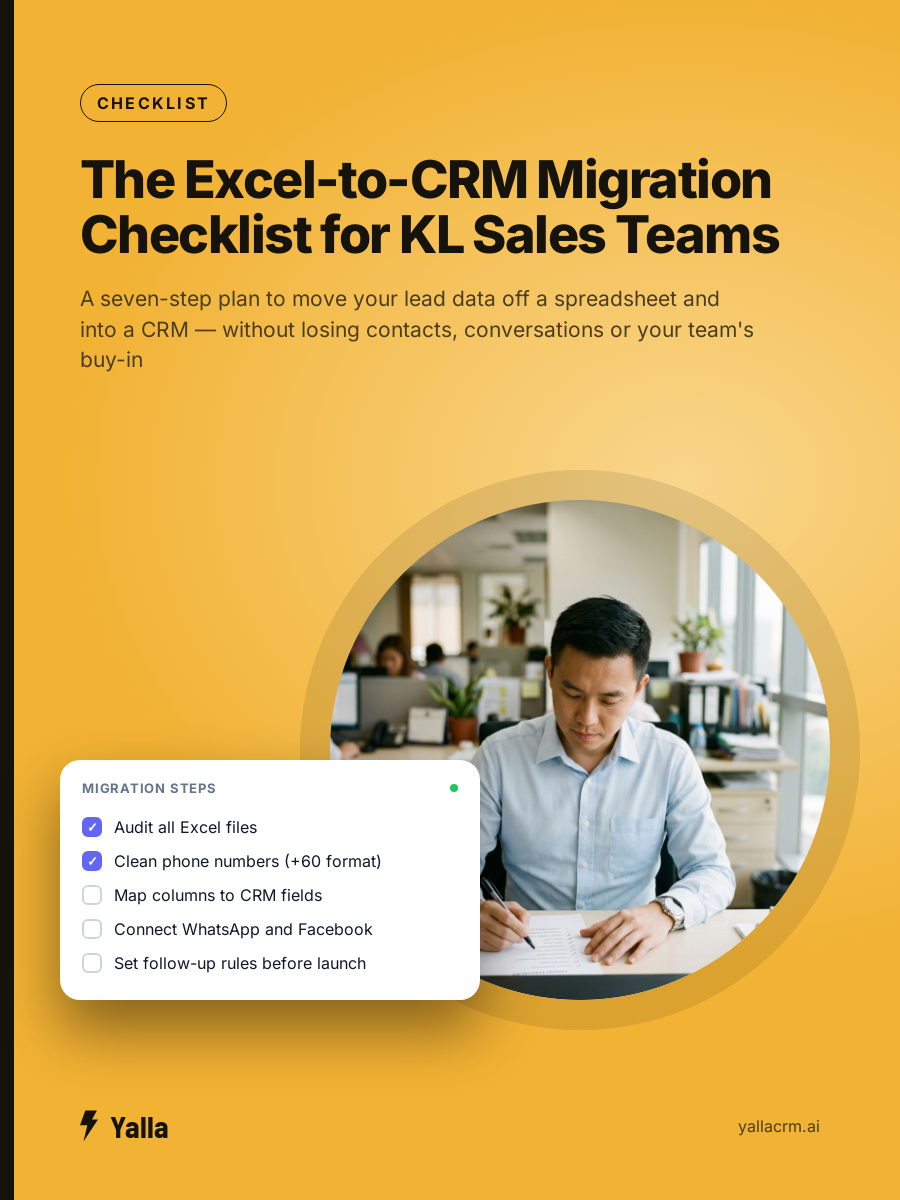
What does managing leads in Excel actually cost a KL business?
The cost is not the price of Excel. It is the leads that fall through the gaps, and you can estimate it with your own numbers.
Take your monthly enquiries, your ad spend to generate them, your average deal size in ringgit, and your close rate on leads you actually follow up. Then ask one question: what share of enquiries never get a second contact? Industry follow-up data is consistent that most businesses reply once or twice at best, and a large share of enquiries get no second contact at all.
Run that sum on your own figures. For a team taking 200 enquiries a month at an average deal of RM3,000, every 30% of enquiries left to go cold is 60 leads abandoned after you already paid to generate them. Whatever your close rate, that is real pipeline leaving every month. The spreadsheet did not lose the money. The gaps in the spreadsheet did.
This is the same pattern we wrote about in the customer database your team isn't using: the data is sitting there, and nobody is working it.
What can a CRM do that a spreadsheet cannot?
A CRM is not a prettier spreadsheet. The difference is that it coordinates people and remembers things on their behalf.
- It assigns an owner automatically. A new enquiry is routed to one salesperson the moment it arrives, so every lead has exactly one name against it.
- It keeps the whole conversation. The WhatsApp thread, the email, the call note and the quote all sit on one contact record, so anyone picking it up sees the full story.
- It chases the follow-up for you. You set the sequence once and it fires the reminders and messages on schedule, whether or not anyone remembers.
- It shows the manager the pipeline live. Stalled deals, unanswered chats and this month's numbers are on a dashboard, not buried in rows you have to read one by one.
- It segments and messages at scale. A "no reply in 30 days" list can be messaged in one go, instead of copy-pasting into WhatsApp 60 times.
That last point is exactly what one KL business asked us for on a recent call: they wanted to replace Excel tracking with real-time reports, smart lists and segmented broadcasts, and to lift more than 5,000 existing contacts off spreadsheets in one import. The spreadsheet had become the thing holding the team back, not the thing helping it.
If the problem you feel most is the follow-up specifically, nobody's job is remembering the follow-up goes deeper on that one failure.
When is Excel still the right tool?
Honesty first, because it is what makes the rest worth believing. A CRM is not always the answer.
- If you are one person with one list, a spreadsheet is fine. You are not coordinating anyone, and a CRM is overhead you do not need yet.
- If your leads are few and high-value and you genuinely remember every one, the discipline is already there. Keep going until it starts to slip.
- If your real need is finance or stock, not lead follow-up, a CRM is the wrong fix. You may need accounting or inventory software instead.
- If your data model is genuinely unusual, with many custom objects and relationships, a flexible record-first platform like Attio may fit your data better than a chat-led CRM will.
The signal that it is time to move is not the number of rows. It is the number of people touching the file and the number of leads you know you are dropping.
How do you move off the spreadsheet without losing your data?
This is the part that stops most teams, and it is more straightforward than it looks.
- Clean the file first. One row per contact, consistent columns (name, phone, source, status, owner, notes). Fix the phone number format now; it is far harder after import.
- Map your columns to CRM fields. Phone, name, source and status map to standard fields; anything specific to your business becomes a custom field.
- Import in one batch. A proper CRM takes a CSV of thousands of contacts in a single upload, not one at a time. The 5,000-contact import above was one file, not 5,000 actions.
- Connect your channels. Point your WhatsApp, Facebook and Instagram enquiries at the CRM so new leads land there automatically and the spreadsheet stops being the catch-all.
- Set the follow-up rules. Decide who gets what, and the reminders, before you switch the team over.
If you are moving off another CRM rather than a spreadsheet, the same care applies to your chat history: changing CRM without losing years of conversations covers that case.
Where does Yalla fit, and where does it not?
Yalla is the chat-native CRM where the AI does the work, not just the talking. If your enquiries arrive mostly on WhatsApp, Instagram and Facebook, and your team closes in chat, moving off a spreadsheet into Yalla keeps every lead, every conversation and every follow-up in one place your manager can actually see.
Every CRM has an AI now. The only question is how much of your business it can reach. A spreadsheet reaches nothing: it cannot read your WhatsApp, send a reminder or update a pipeline. Yalla Brain acts across pipelines, WhatsApp, Instagram, Facebook, email campaigns and reporting from one instruction, which is the opposite of a file that waits for a human to type into it.
Where Yalla is not the answer: if your pipeline is email-led and your customers rarely touch chat, a record-first CRM will suit you better. If you need a deeply custom data model, look at Attio. If enterprise compliance sign-off is the deciding factor, that is Salesforce territory. For a KL team drowning in a shared Excel file full of WhatsApp leads, it is squarely the problem we built for.
Frequently asked questions
Is a CRM worth it for a small KL sales team?
Once more than one person touches your lead list, yes. The value is not features; it is that nobody can quietly drop a lead anymore, because every enquiry has an owner, a history and a scheduled follow-up. For a true solo operator, a spreadsheet is still fine.
Can I import my existing Excel leads into a CRM?
Yes. A clean CSV of thousands of contacts imports in one batch, with your columns mapped to CRM fields. The work is in cleaning the file first, not in the upload. Fix phone-number formatting and remove duplicates before you import.
How is a WhatsApp CRM different from Excel for managing leads?
A spreadsheet stores a status; a WhatsApp CRM stores the actual conversation, assigns an owner, and sends the follow-up on schedule. When a customer replies after three weeks, the salesperson sees the whole thread instead of a one-word cell. That is the difference between a record and a working system.
Will my team actually use it, or go back to the spreadsheet?
They go back to the spreadsheet when the CRM is more work than the file. Routing leads automatically, keeping their WhatsApp number, and setting up the follow-ups before rollout is what makes it stick. If it saves them time in week one, they stay.
Free download
The Excel-to-CRM Migration Checklist for KL Sales Teams
A practical companion to this article. Free for your email address.
Get it freeYalla is the chat-native CRM where the AI does the work, not just the talking.
See how much of your business it can reach.