
Drowning in Chats? WhatsApp Automation for Sales Teams
WhatsApp automation for a sales team: what it can auto-reply to, qualify and route, where a human must take over, and what it really costs to run in 2026.
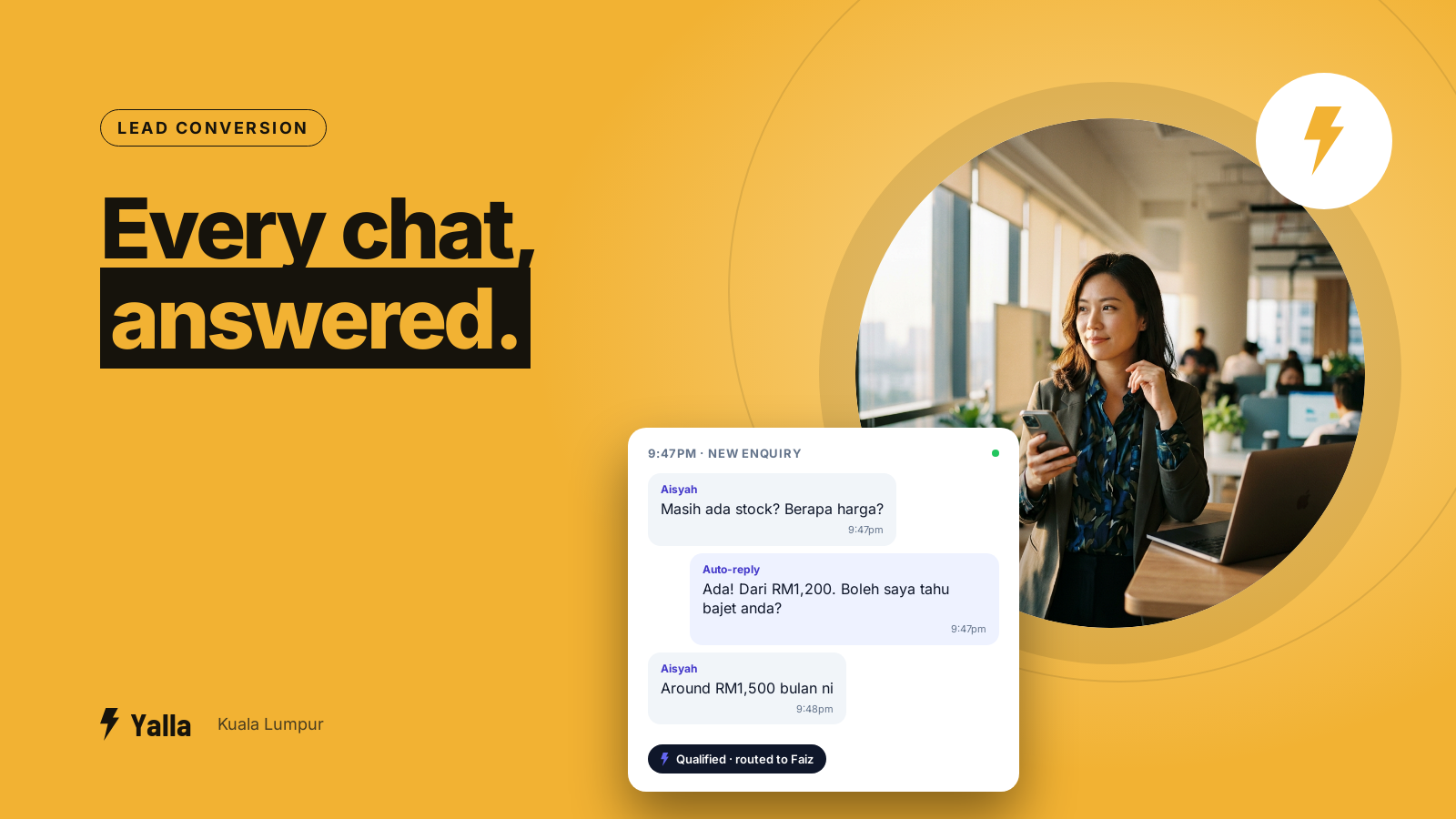
A sales team can take sixty WhatsApp enquiries in a day, half of them after the showroom or clinic has closed. By the time someone opens the phone at 8:30am, the $360 buyer who messaged at 9:47pm has already bought from whoever replied first. WhatsApp automation is how a business stops losing those enquiries: the routine parts of answering, sorting and chasing a lead happen on their own, so your team spends its hours on the conversations that actually need a person.
This is not about blasting strangers. It is about the enquiries you already paid for, landing in several languages, at all hours, into a team that cannot physically watch the phone every minute.
What is WhatsApp automation, really?
WhatsApp automation means using rules and AI so that specific actions happen on your business WhatsApp without a person pressing send each time. A first reply goes out the second an enquiry lands. A lead gets tagged and assigned to the right salesperson. A follow-up message fires three days later if nobody replied. None of it needs someone sitting at the keyboard.
It runs on the WhatsApp Business Platform (the official API), not the free WhatsApp Business app on a single phone. That is what lets a whole team share one number, keeps a record of every chat, and allows software to act on your behalf. If your team is still passing one handset around, automation is the thing that number cannot do.
Free download
WhatsApp Automation Setup Checklist for Sales Teams
A practical companion to this article. Free for your email address.
Get it free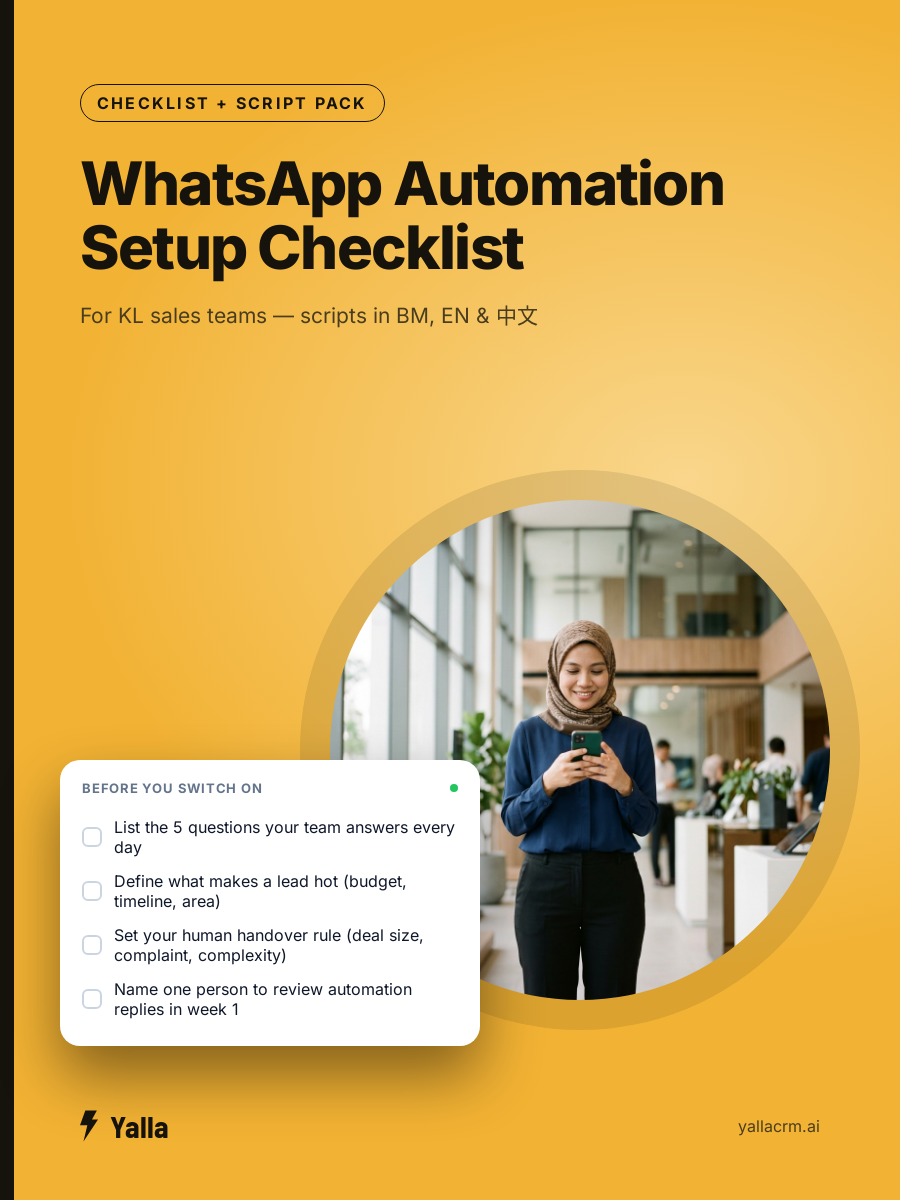
What can WhatsApp automation actually do for a sales team?
The useful parts are not one big robot. They are a handful of specific jobs that each remove a way leads leak out:
- Instant first reply. The moment someone messages, they get an answer, even at 11pm. Leads contacted within five minutes convert far better than those left until morning, and a large share of enquiries arrive outside office hours. See why leads go cold before you reply.
- Qualifying the enquiry. Automation can ask two or three questions (budget, timeline, what they want) and sort the lead into hot, warm or cold before a human reads a word. That is the difference between your best closer working $12,000 deals and answering "do you open on Sunday". More on qualifying WhatsApp leads automatically.
- Routing to the right person. A property enquiry for one neighbourhood goes to the agent who covers that neighbourhood, not into a shared pile where two reps answer the same person. Here is how to route enquiries to the right salesperson.
- Follow-up that runs itself. Most sales are lost in the silence after the first chat. A sequence can nudge a quiet lead on day two, day five and day twelve, and stop the instant they reply. See the sales follow-up sequence that closes deals.
- Reminders and no-show chasing. Appointment, test drive, dental recall or school tour tomorrow? An automated reminder the night before and an hour before cuts no-shows without anyone remembering to send it.
- Reporting. How many enquiries came in, how fast each was answered, which rep is slow, which ads produced buyers. Automation logs it so a manager does not have to scroll through phones.
To make it concrete: a dental clinic can answer a 9pm "toothache, can I come in tomorrow?" the instant it lands, offer the next open slot, and send a reminder the night before so the chair does not sit empty. A car showroom can catch every test-drive enquiry from its Facebook ads and route it to a salesperson in seconds. Same automation, different pipeline.
Where does automation stop and a human take over?
This is the question that comes up on almost every onboarding call we run. The team wants the AI to handle the first reply and the sorting, but the moment a staff member jumps into the chat, the automation should step back and let the person lead.
Good WhatsApp automation is built around that handover, not against it. It should pass a conversation to a human when the question is complex, when the customer is upset, when the deal is large, or simply when the buyer asks to speak to someone. The AI buys you time and does the repetitive work; your people do the closing and the judgment.
Oversight matters just as much. A manager should be able to read what the automation said, correct a reply that was off, and refine the instructions, especially in the first few weeks. Treat the first month as a supervised pilot, test the replies on real sample chats before you switch it on fully, and you avoid the worst outcome: an automation confidently telling a customer the wrong price. We wrote about stopping an AI chatbot from giving wrong answers if that is your worry.
WhatsApp automation vs an AI agent: what is the difference?
A rule is simple and literal: when X happens, do Y. Send this message at this time. Tag this word. Rules are reliable and cheap, and for reminders and first replies they are often all you need.
An AI agent is different. It reads the context of a messy, real conversation, decides what the customer actually wants, and can act across more than one system. Every CRM has an AI now. The only question is how much of your business it can reach: can it only send a WhatsApp message, or can it also read your pipeline, update the deal, book the calendar slot and pull a report?
That span is what separates a chatbot bolted onto your inbox from automation that runs the sales process. So the plain question to ask any vendor is this: once the AI has read the chat, what else can it reach? For reference, Yalla Brain acts across pipelines, WhatsApp, Instagram, Facebook, email campaigns and reporting from one instruction. The point is not that one AI is cleverer than another. It is what the automation is allowed to touch.
How much does WhatsApp automation cost?
There are two bills, and businesses are often surprised by the second.
The first is the software subscription. Entry plans for a small team usually sit around $70 to $95 a month for a few users, often with a bundle of AI credits included. That is the platform that holds your inbox, pipelines and automation.
The second is Meta's own messaging charge. Since 1 July 2025 WhatsApp bills per message rather than per conversation. As of 2026, replies you send inside the 24-hour window after a customer messages you are free, while template messages you start (marketing broadcasts, reminders) are charged per message at a rate that depends on the message category. For a team answering inbound enquiries, most of your traffic falls in the free window. It is the broadcasting that adds up. We broke down what your replies actually cost so you can budget it.
When is WhatsApp automation not the answer?
Honesty keeps you from buying the wrong tool.
- If your sales happen over email, not chat. A B2B firm whose deals live in long email threads and formal proposals is better served by a record-first CRM built around the contact and the deal, not the conversation.
- If you are a solo operator with a handful of leads a week. The free WhatsApp Business app and quick replies may be all you need. Automation earns its keep when there is a team and a volume problem.
- If you need a highly custom data model. Teams that want to design their own objects and relationships will find a tool like Attio more flexible than any chat-native CRM.
- If your blocker is enterprise compliance and procurement. Large regulated organisations often need the audit depth and certifications of a Salesforce-class platform first.
For a business that lives on WhatsApp, with a team, with ad spend turning into enquiries faster than people can answer them, automation is usually the cheapest fix for the most expensive problem. For the cases above, it is not.
Frequently asked questions
Does WhatsApp automation mean customers only talk to a bot?
No, and it should not. The automation handles the instant reply, qualifying and routing, then hands the conversation to a real salesperson for anything that needs judgment. Done well, the customer gets a faster first answer and still reaches a human for the decision.
Will WhatsApp automation get my number banned?
Answering your own inbound enquiries is exactly what the WhatsApp Business Platform is for and carries no risk. The risk comes from mass-messaging people who never opted in. If you plan to broadcast to an old list, read what gets a business number blocked first.
Can I keep my existing WhatsApp number?
Usually yes. Most businesses migrate the number customers already know onto the Business Platform so nothing changes for the customer. Here is how to keep your existing number when you move to a CRM.
Do I need the WhatsApp Business API for automation?
For anything beyond basic quick replies, yes. The free app is tied to one phone and cannot share an inbox across a team or let software act on your behalf. The Platform (API) is what makes team routing, pipelines and real automation possible. This is also the foundation of a WhatsApp CRM.
Free download
WhatsApp Automation Setup Checklist for Sales Teams
A practical companion to this article. Free for your email address.
Get it freeYalla is the chat-native CRM where the AI does the work, not just the talking.
See how much of your business it can reach.